Quindrel
DriveLink Pro

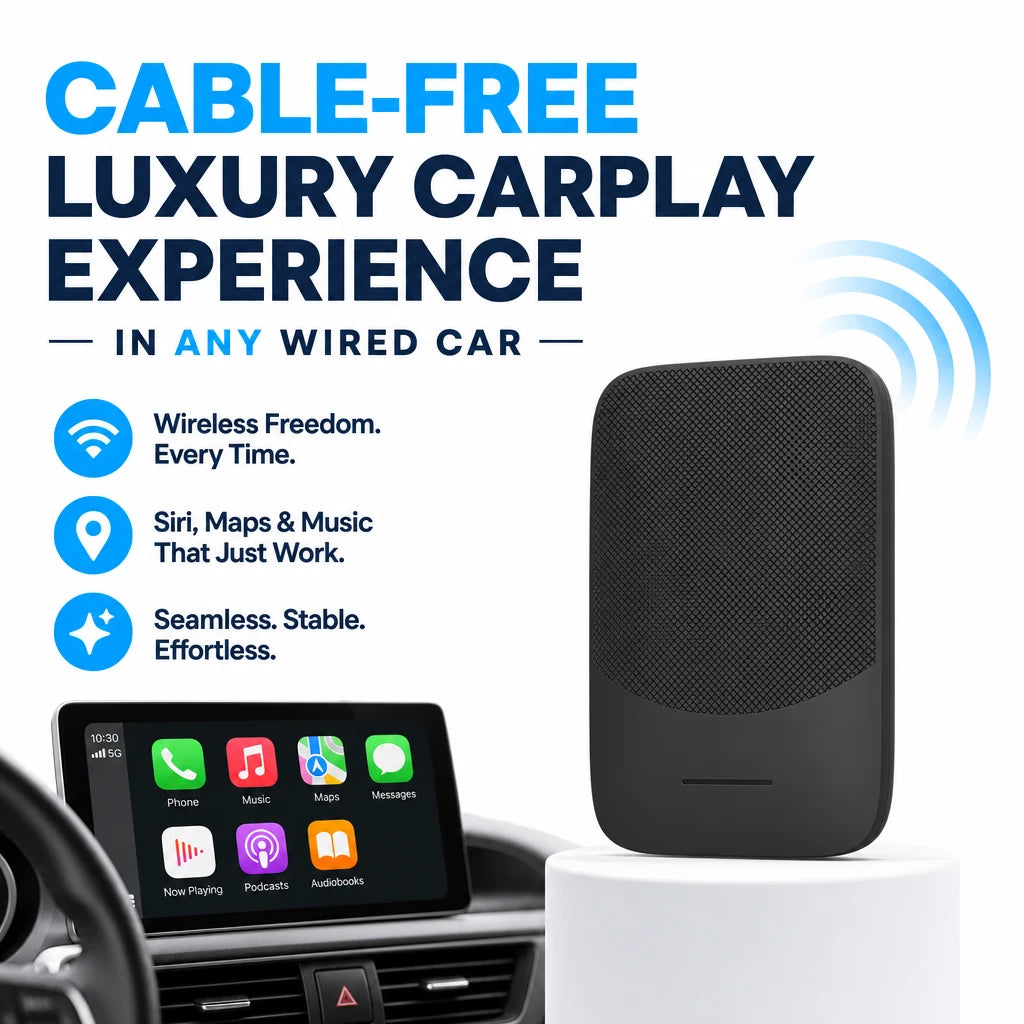
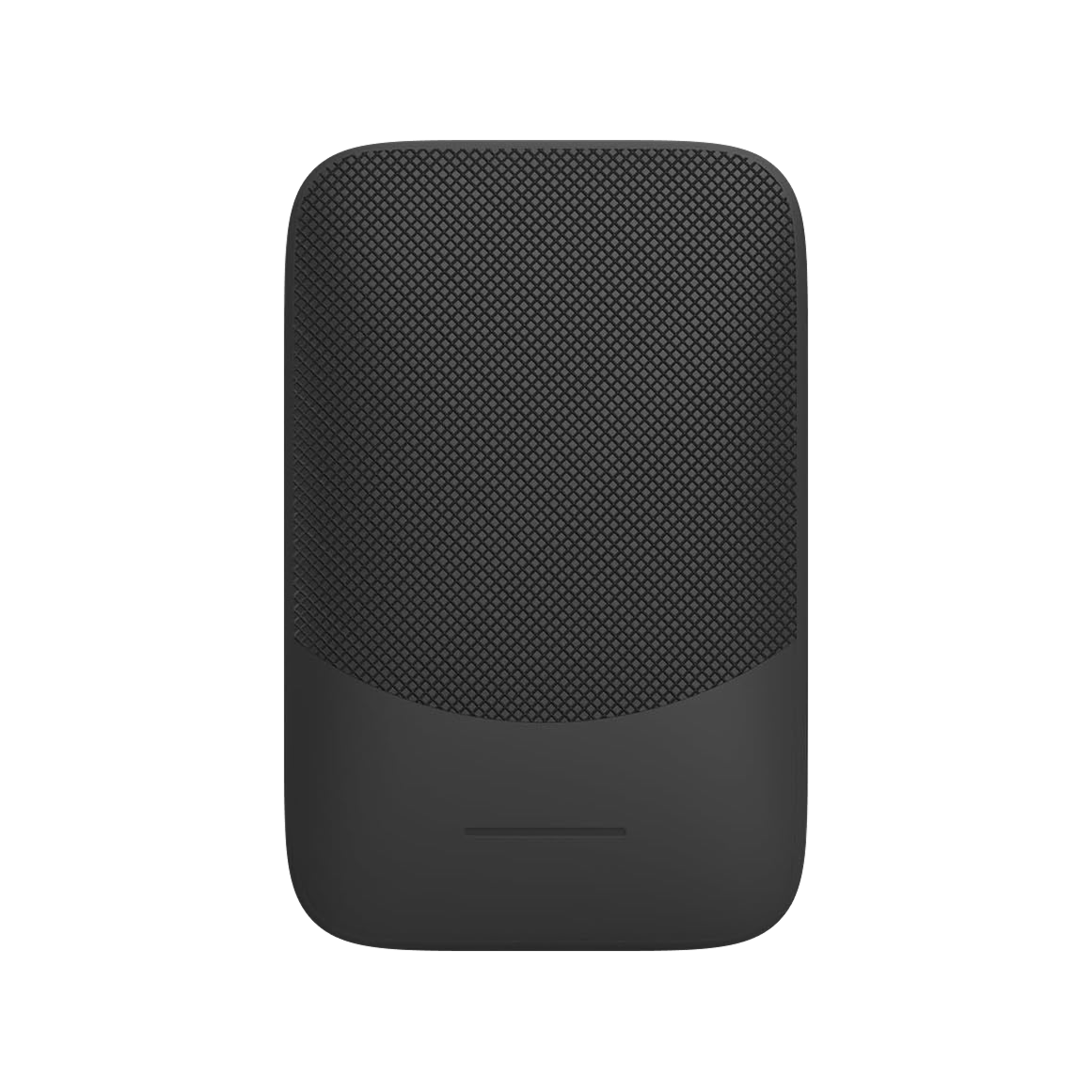
DriveLink Pro™wireless carplay adapter

$89.99

  • Plugs into the car's USB port
  • Pairs with your phone over Bluetooth
  • Stores paired phones for automatic reconnection
  • Built-in config web page for firmware and settings

FREE GIFT

Free Gift - Magnetic Car Phone Mount

FREE
Tracked Shipping
  • Insert DriveLink Pro into your car's USB port.
  • Pair your phone over Bluetooth on first use. The adapter stores the device.
  • Start the car on later trips and the connection starts automatically.
  • DriveLink Pro Wireless Adapter
  • USB Charging Cable
  • Quick-Start User Guide

We offer free shipping on orders over $150. Once your order is dispatched, the estimated delivery time is 5 to 12 business days depending on your location — tracking is emailed as soon as it ships.

Changed your mind? You can return your product within 90 days of delivery for a refund — see our Returns page for the full policy.

What DriveLink Pro Does

Cable-Free Connection

DriveLink Pro replaces the phone cable in cars with factory wired smartphone projection. The adapter stays in the USB port, and your phone connects to it wirelessly.

For Wired-Projection Cars

The adapter is made for vehicles whose factory system supports wired smartphone projection over USB. Check that your car has this feature before you install it.
DriveLink Pro

Plug-In Setup

No app is needed. Insert DriveLink Pro into the USB port, pair your phone over Bluetooth on first use, and the adapter stores the device for later trips.

Firmware And Settings

A built-in config web page lets you update firmware and adjust vehicle-specific settings, such as reconnect delay and vehicle priority, from any browser.

Frequently Asked Questions

It is made for cars with factory wired smartphone projection through the USB port. If your car's display supports that feature with a cable, this adapter is meant for it.

Plug the adapter into the car's USB port, then connect your phone to it over Bluetooth. This is done once. The adapter stores the device for later trips.

Yes. DriveLink Pro supports multiple paired phones. Each device profile is saved separately, so a second driver can use the adapter in the same car.

Connect to the adapter's WiFi network, open the config address in a browser, and use the built-in config page to load new firmware. No special tools are needed.

The config page holds vehicle-specific settings, including reconnect delay and vehicle priority. Adjust these if your car's system behaves differently from the defaults.

First confirm the USB port carries data and not only power. If the problem remains, open the config page and check the reconnect delay and vehicle priority settings.

No. Setup uses the USB port and a one-time Bluetooth pairing. Settings and firmware are handled through the config web page in a browser.

The box holds the DriveLink Pro wireless adapter, a USB charging cable and a quick-start user guide. Read the guide before you plug the adapter in.

If the car has factory wired CarPlay, DriveLink Pro, a wireless CarPlay adapter, plugs into the USB port and pairs once by Bluetooth for a cable-free connection. Cars without wired CarPlay are not covered.

The box contains the DriveLink Pro wireless CarPlay adapter, a USB charging cable, and a quick-start user guide. No app download is needed for setup.
DriveLink Pro

Ready to make it yours?

Get DriveLink Pro at today's price with your free gift included — and a full 90 days to enjoy it.
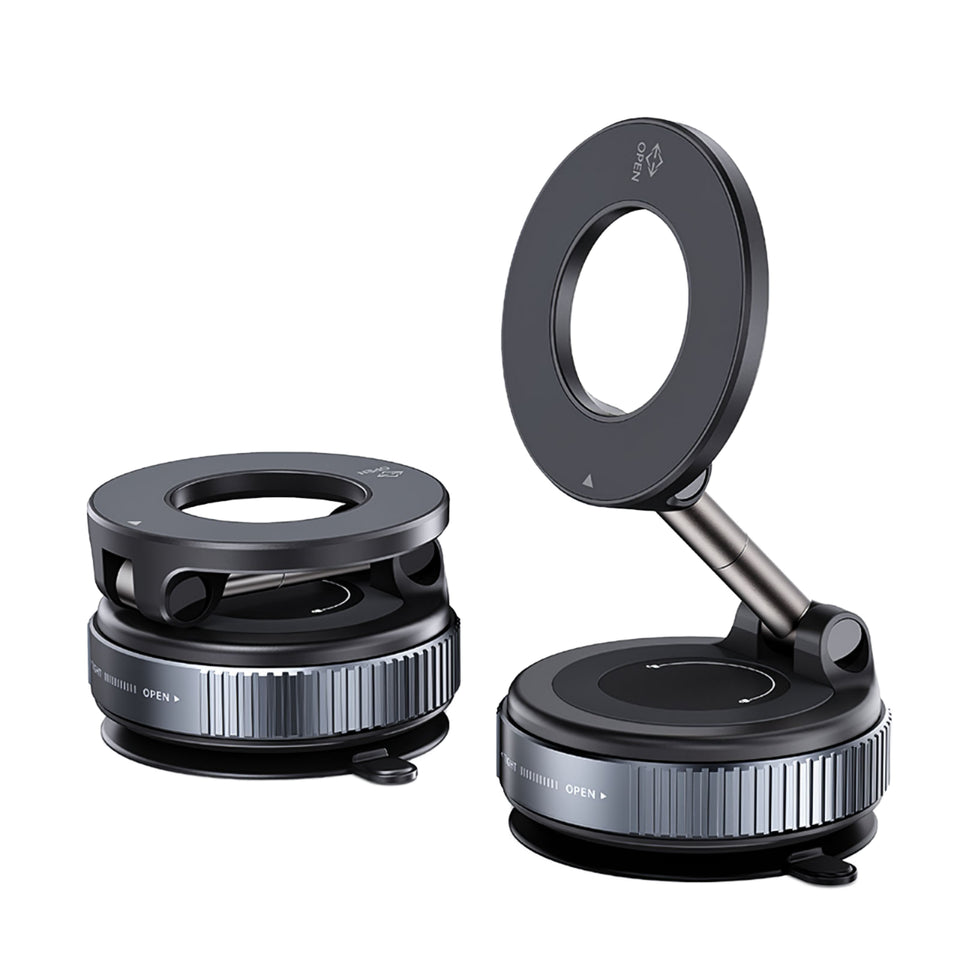
Your free gift: Free Gift - Magnetic Car Phone MountFREE
90-Day Money-BackTracked Shipping
Secure Checkout
Tracked Shipping
Customer Support
Loved by our customers

DriveLink Pro: A Wireless CarPlay Adapter for Factory CarPlay Cars

DriveLink Pro is a wireless CarPlay adapter for cars with factory wired CarPlay. It plugs into the car's USB port and takes the place of the cable between the smartphone and the infotainment screen. It is used in sedans, SUVs, and trucks that already support wired CarPlay.

As a Bluetooth CarPlay adapter, it needs a one-time pairing on first use. It then stores the paired device and launches CarPlay when the car starts. Multiple phones can be paired, and each device profile is saved separately.

A built-in config web page, reached over the adapter's own WiFi network, handles firmware flashing and vehicle-specific settings. This wireless CarPlay dongle needs no app download. Over-the-air firmware updates are also supported.

  • Plugs into the car's USB port
  • Wireless CarPlay adapter kit with USB charging cable
  • Quick-start user guide included