Quindrel
LevelCraft

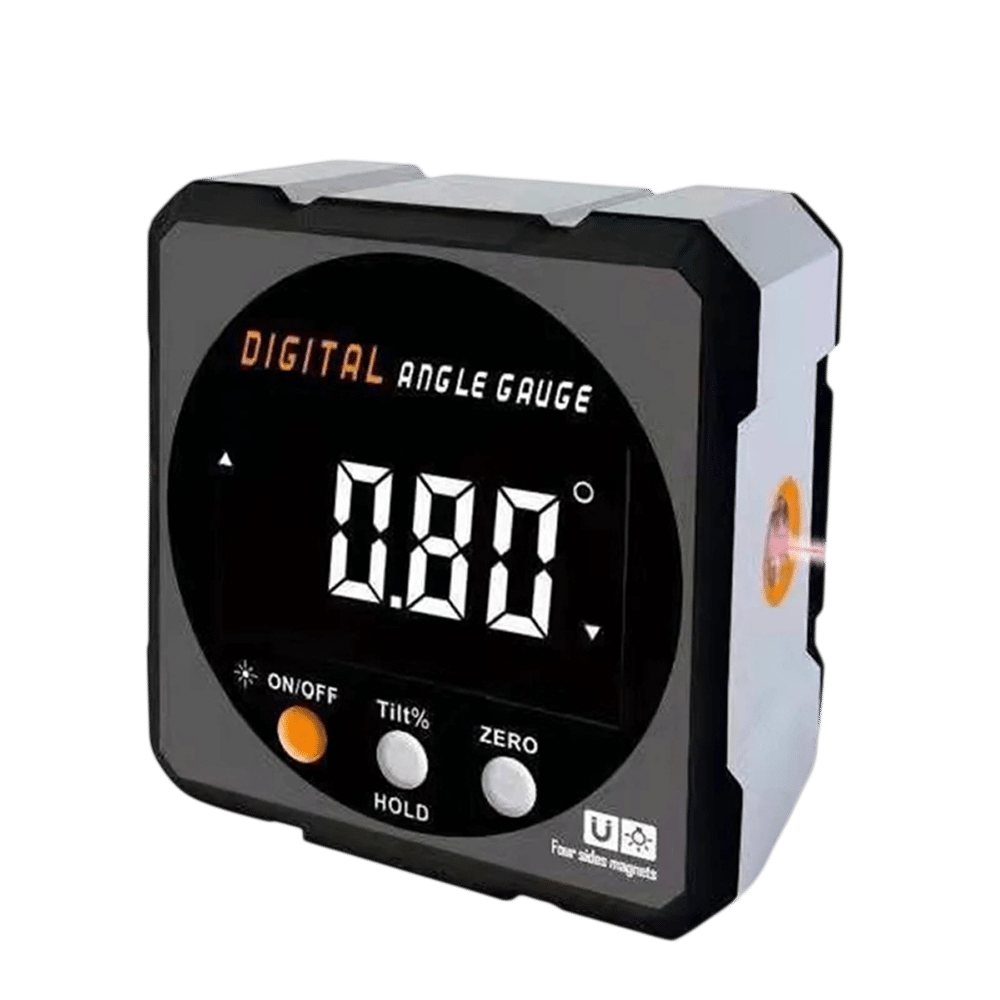
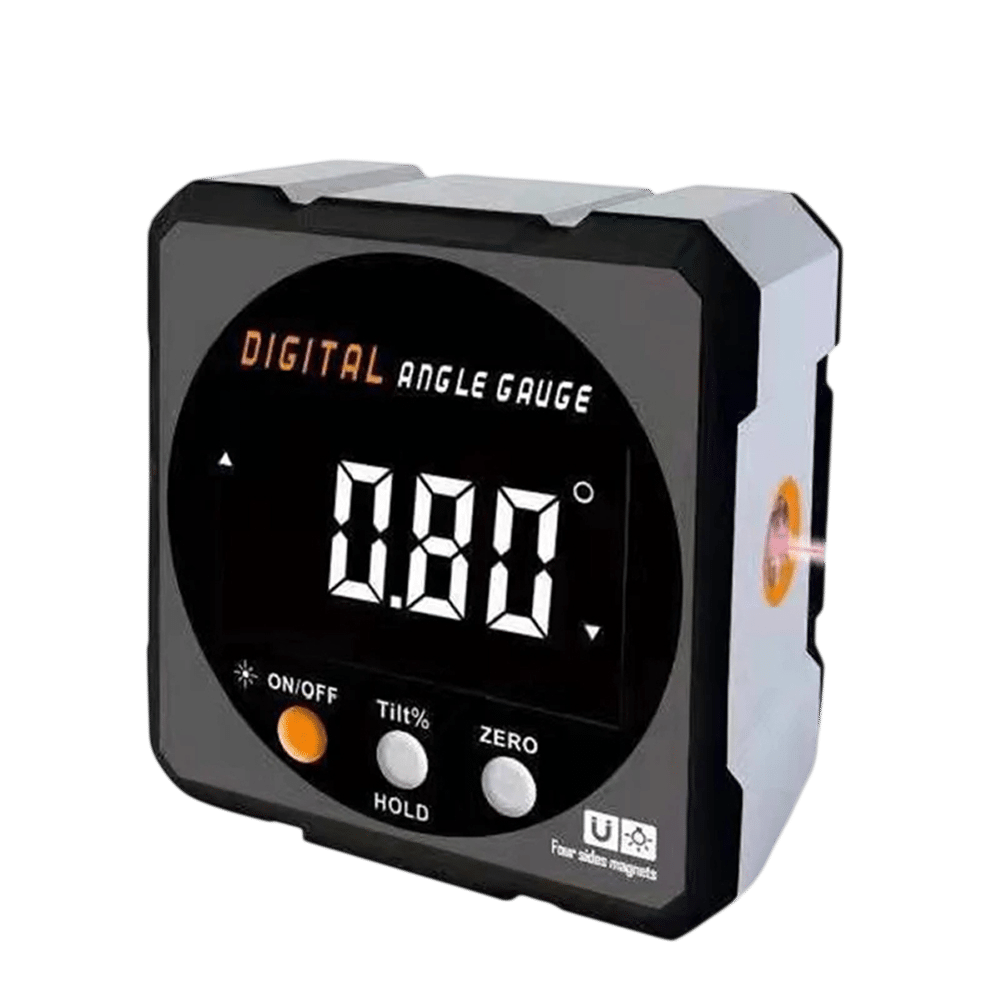
LevelCraft™digital angle gauge

$89.00

  • Four built-in magnets for ferrous metal surfaces
  • Backlit LCD display
  • Data hold button freezes the reading
  • Switches between degrees and slope percent

FREE GIFT

Free Gift - Mini Aluminum Spirit Level

FREE
Tracked Shipping
  • Place the meter on a ferrous metal surface. The four magnets hold it in place.
  • Choose absolute or relative mode. In relative mode, zero it on your reference surface.
  • Read the angle on the backlit display.
  • Press the hold button to freeze the number while you step back and adjust.
  • LevelCraft Digital Angle Meter
  • USB Charging Cable
  • Packaging Box
  • Quick Start Guide

We offer free shipping on orders over $150. Once your order is dispatched, the estimated delivery time is 5 to 12 business days depending on your location — tracking is emailed as soon as it ships.

Changed your mind? You can return your product within 90 days of delivery for a refund — see our Returns page for the full policy.

Build and Functions

Four-Side Magnets

Four magnets are built into the body. They let the meter attach to steel and iron surfaces such as a saw blade or table, which leaves both hands free for adjusting the setup.

USB Rechargeable Battery

The meter has a built-in rechargeable battery. You charge it through the included USB cable, so there are no disposable cells to buy or swap during a job.
LevelCraft

Absolute and Relative Modes

Absolute mode reads the angle against gravity. Relative mode lets you zero the display on any surface you choose, then measure the change from that reference point.

Backlit LCD

The large LCD has a backlight, so the numbers can be read in a bright yard or a dim garage. A hold function freezes the current reading on screen.

Frequently Asked Questions

In normal use the display reads upright, and the backlit numbers are large enough to read from a working position. Mount the meter on the saw surface with the screen facing you.

Connect the included USB charging cable to the meter and to a USB power source. The built-in battery charges through that cable, so you do not need to remove any cells.

The four built-in magnets attach to ferrous metals such as steel and iron. Check that your blade is magnetic, then set the meter on it and make your bevel adjustment.

Aluminum is not magnetic, so the built-in magnets will not attach to bare aluminum. Use it on steel or iron surfaces, or hold it against the work by hand.

Set the blade or table to your reference position, switch to relative mode and zero the display. Then tilt the blade and read the angle shown from that starting point.

Yes. The meter powers down automatically after a short period of inactivity. Turn it back on when you are ready to measure again.

Yes. One tap switches the readout between degrees and slope percent, so you can use whichever unit your project calls for.

Zero it in relative mode each time you move to a new reference surface. Absolute mode reads the angle against gravity and does not need a reference point.

Attach the digital angle gauge to a ferrous metal surface using its magnets, choose absolute or relative mode, zero it to a reference point if needed, then read the angle on the backlit display and hold the value with one tap.

The package contains the LevelCraft digital angle meter, a USB charging cable, a premium packaging box and a quick start guide. The battery recharges over USB, so no disposable batteries are listed.
LevelCraft

Ready to make it yours?

Get LevelCraft at today's price with your free gift included — and a full 90 days to enjoy it.
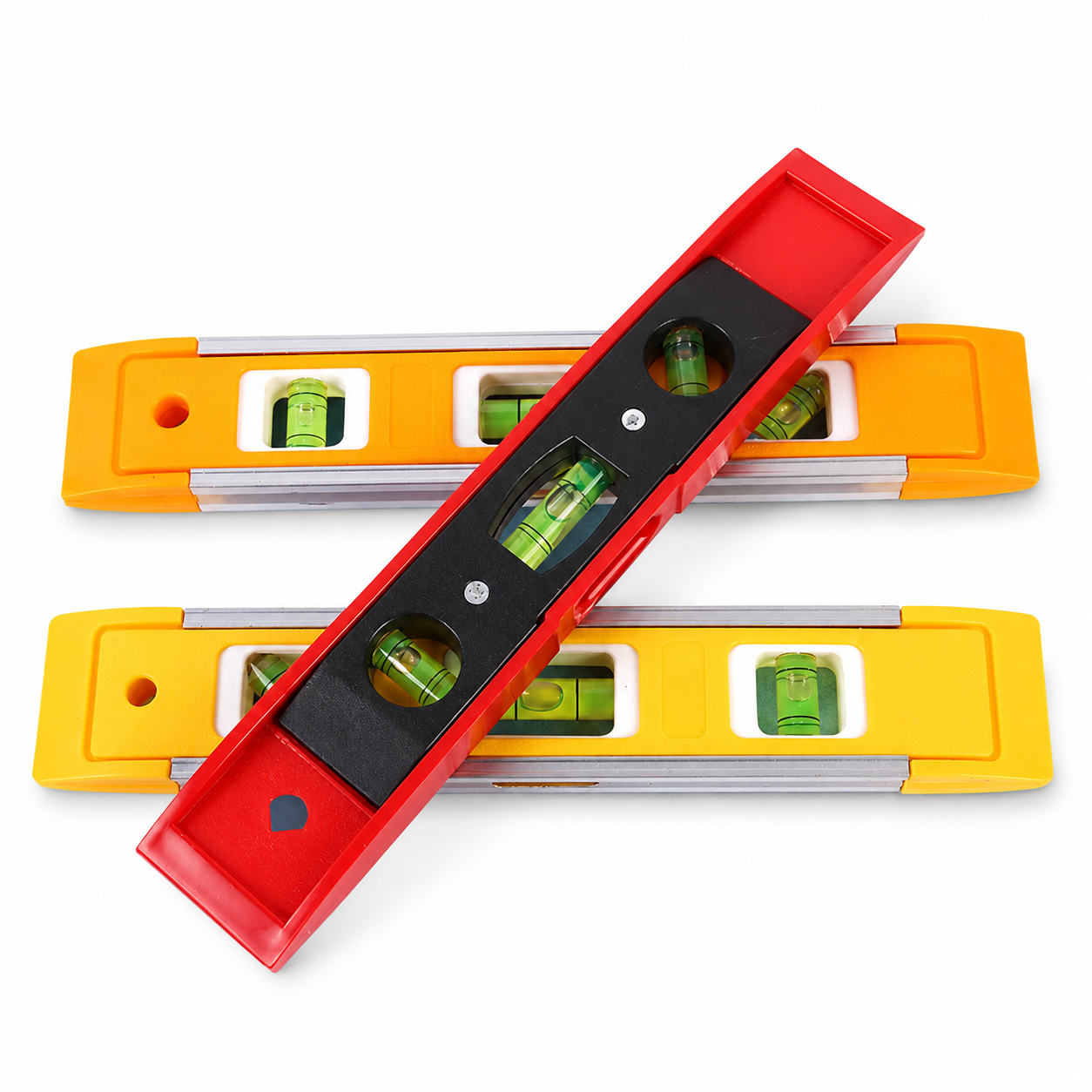
Your free gift: Free Gift - Mini Aluminum Spirit LevelFREE
90-Day Money-BackTracked Shipping
Secure Checkout
Tracked Shipping
Customer Support
Loved by our customers

LevelCraft: A Magnetic Digital Angle Gauge for the Shop

LevelCraft is a digital angle gauge for checking blade bevels, miter settings and other angles in the shop or garage. As a digital angle meter, it shows readings on a large backlit LCD.

Four built-in magnets make it a magnetic digital angle meter that attaches to ferrous metals such as steel and iron, leaving both hands free. It does not hold on bare aluminum. Absolute mode reads the gravity angle, while relative mode zeroes to a chosen reference point.

  • One-touch data hold for freezing a reading
  • Switch between degrees and slope percent
  • USB rechargeable battery
  • USB cable and quick start guide included

The degree-to-percent switch also makes it a handy digital slope gauge for grade checks. Anyone setting up a table saw or miter saw can use this digital angle gauge.