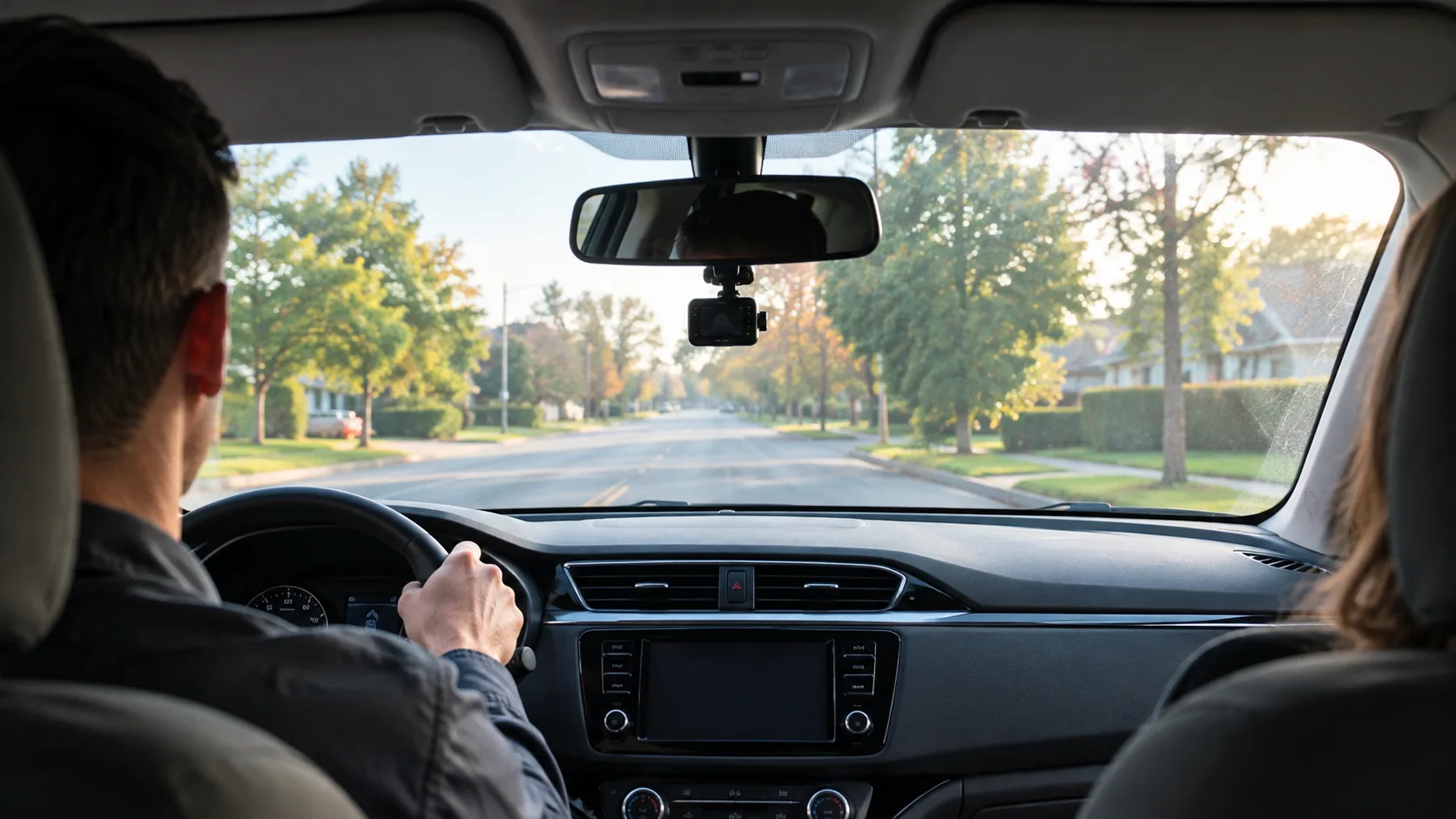
VisionGuard Pro™ car dash cam
What the VisionGuard Pro records and how you use it
Front and Rear Cameras
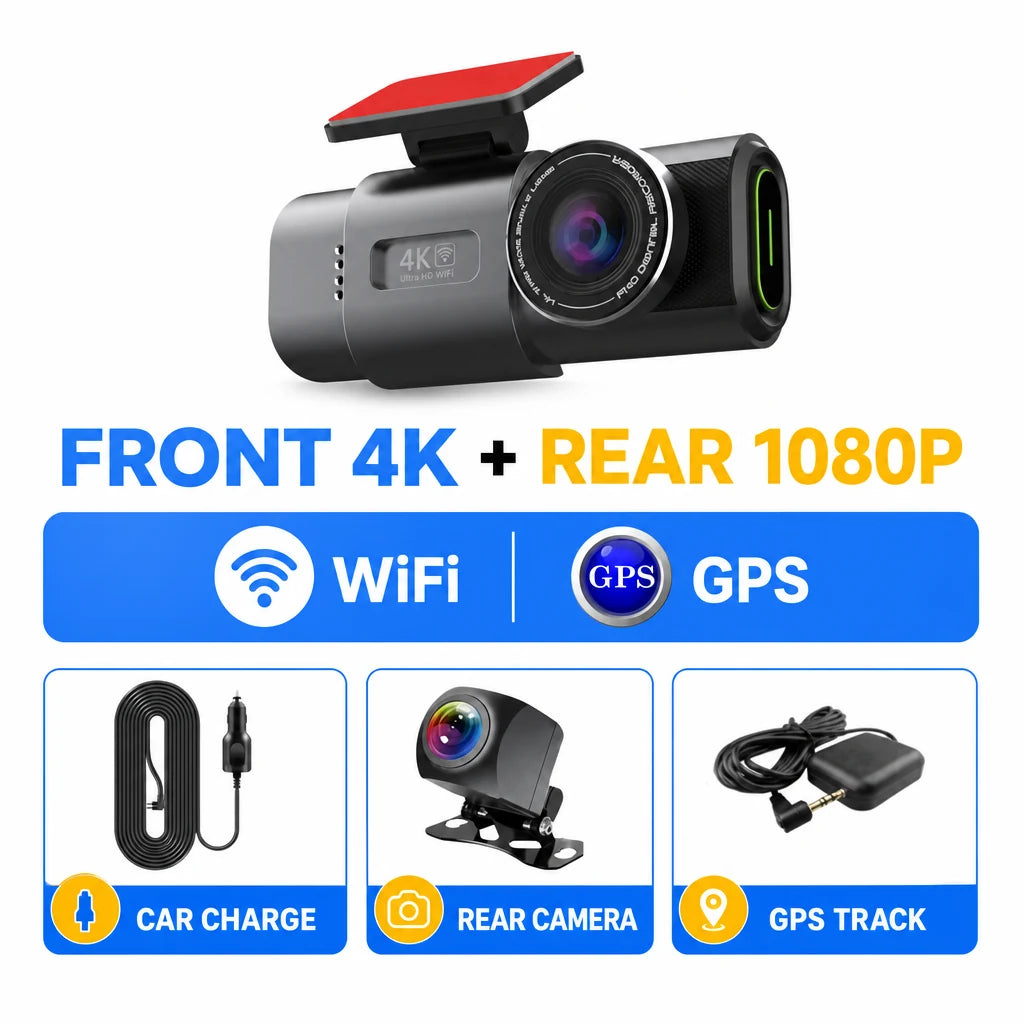
What happens behind the car matters as much as what happens ahead. A 4K front camera and a 1080P rear camera record together, so both views are saved from the same drive.
Parking Mode
You can't watch a parked car yourself. Parking mode records when it detects motion or an impact, and a low-voltage cutoff stops recording before the car battery drops too low to start.
WiFi and Companion App
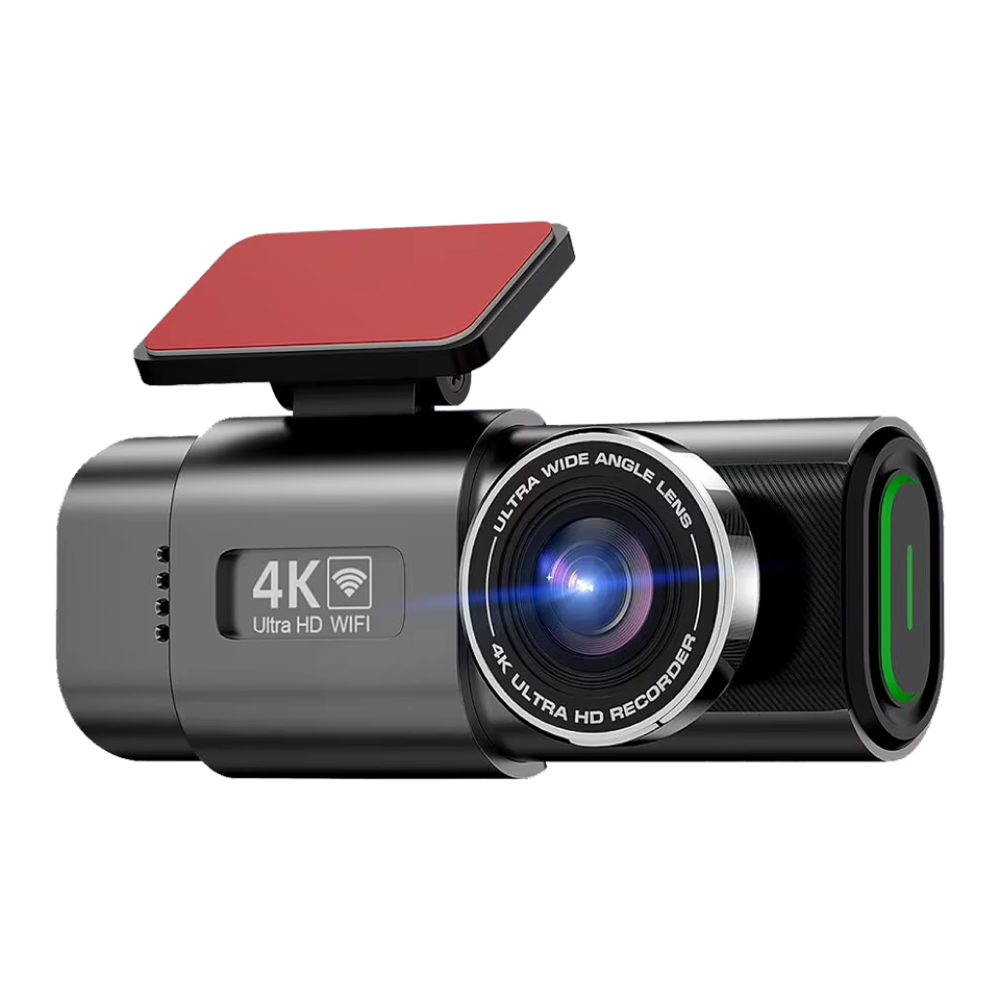
Digging a memory card out of a windshield mount is a nuisance. The companion app connects over WiFi, so you can browse locked event files, adjust settings and download clips to your phone.
Supercapacitor Instead of Lithium
A parked car gets very hot in summer, which is hard on lithium cells. This dash cam uses a supercapacitor instead of a lithium battery, so the housing holds no lithium cell.
Frequently Asked Questions
Ready to make it yours?
Get VisionGuard Pro at today's price — and a full 90 days to enjoy it.
 Tracked ShippingTracked Shipping
VisionGuard Pro: A Car Dash Cam with Front and Rear Cameras
After a fender bender or a hit in a parking lot, it often comes down to one driver's word against another's. A car dash cam keeps a record of the road. VisionGuard Pro is a dashboard camera for car use, with a 4K front unit and a 1080P rear camera.
As a dash cam front and rear set, it records both directions, and GPS adds location and speed data to each clip. Recording starts when the engine turns on, so there is no button to press while driving. A G-sensor flags impacts and locks those files so loop recording skips them.
It works as a 4K dash cam with GPS on the move and as a dash cam with parking mode when the car is parked, using a supercapacitor instead of a lithium battery. The companion app connects the dash camera to a phone over Wi-Fi, so clips are browsed and downloaded while the microSD card stays in the slot. Setup uses a cable that plugs into the car's 12V outlet.