How to Choose a Good Car Dash Cam: Features That Matter
A good car dash cam has sharp front video, the right number of channels, a parking mode that fits your wiring, and automatic event-file locking. Use this checklist to decide.
Curtis Boone
October 14, 2026 · 10 min read
A good car dash cam records clear front video, covers the directions you actually need, locks important clips automatically, and has a power setup that suits how you park. Resolution gets the attention, but channels, parking mode and power source usually decide whether the camera is useful on the day you need the footage.
This guide is a decision checklist, not a ranked brand list. Work through the sections in order, write down your answers, and you will know which features to look for in any dash cam in your car.
The short checklist for choosing a good car dash cam
Before comparing models, answer five questions. They narrow the field more than any spec sheet.
| Question | Why it matters | What to look for |
|---|---|---|
| Which directions need coverage? | Rear impacts and parking-lot bumps come from behind or the side | Front only, front and rear, interior, or multi-lens |
| How sharp must plates and signs be? | Fine detail decides whether a clip is usable | High front resolution, good low-light sensor, clean lens, firm mount |
| Do you need footage while parked? | A parked car can be bumped when no one is around to see it | Parking mode and a compatible power source |
| How will it be powered? | Power decides when it records and how it draws on the battery | 12V outlet, hardwire kit, or a separate battery pack |
| How will you get clips off it? | Footage is only useful if you can retrieve it | App access, removable card, locked event files |
Resolution and video quality: look beyond the number
Higher front resolution gives you more pixels to work with when you zoom into a license plate or a street sign. A 4K front camera records more pixels per frame; how much of that detail is usable depends on the lens, sensor and mount. Video quality is the whole chain, not one spec.
Check these things alongside the headline resolution:
- Lens and glass: a clean windshield and a lens without smudges matter as much as the spec.
- Image quality at night: look for a camera built for low light and glare from headlights, since you also drive at dusk and on dark roads. Sample footage from the manufacturer shows how it handles this.
- Timestamp, GPS and speed data: these details stamped on footage help show when and where something happened.
- Memory card compatibility: higher resolution files are larger, so confirm the card type and capacity the camera supports.
2K versus 4K
Both can capture a license plate in good conditions. The practical difference is file size and how much you can crop into a frame. A 4K file needs more card space, so pick a card with enough capacity and plan to download clips regularly.
Channels: front, front and rear, interior or 360
A channel is one camera view. A single-channel unit records the road ahead. A two-channel front and rear setup adds a rear dash cam view, which covers tailgaters and rear-end impacts. An interior camera records the cabin, which some rideshare and taxi drivers want. Multi-lens systems sold as a 360 dash cam car setup stitch several views into one picture of the surroundings.
How to pick
- Front only: fine for simple commutes where you mainly want a record of the road ahead.
- Front and rear: a practical default for most drivers, because it records both ends of the car.
- Interior add-on: useful if you carry passengers for work. Check local rules on recording people in your vehicle.
- 360 coverage: worth considering if you park in tight lots or on busy streets and want side views, but check the mounting and wiring requirements first.
With two cameras, find out how the rear unit connects. Some run from a single power cable, which keeps installation simpler. Others need a second cable run through the cabin, so measure your vehicle and read the manual before you commit.
Parking mode: can a dash cam record when the car is off?
Yes, a dash cam that records when the car is off is possible, but only if it has a parking mode and a power source that stays live after you shut the engine down. Without both, the camera simply turns off with the ignition.
Parking mode typically works in one of a few ways:
- Motion or impact detection: the camera wakes and saves a clip when it senses movement or a bump.
- Continuous low-rate recording: the camera records constantly at reduced detail. Check the manual for how a given model handles this.
- Buffered parking mode: the camera keeps a short rolling buffer and saves it when triggered, so the clip includes the moments before the trigger.
Whichever method a camera uses, look for a low-voltage cutoff. This feature stops recording when the car battery drops to a set level, so the dash cam does not keep drawing power until the car will not start.
Also check your vehicle. In some cars the 12V outlet turns off with the ignition, and in others it stays powered. Your owner's manual will say which applies. If the outlet shuts off, a dash cam recording while the car is off needs a hardwire kit or a separate battery pack, and a qualified installer or electrician can do the wiring if you are unsure.
Power draw and your car battery
Any camera that records while parked draws power from the car battery or from a separate pack. The draw adds up over days, especially on an older battery or a car that sits unused.
| Power source | Records while parked? | Things to know |
|---|---|---|
| 12V outlet cable | Only if the outlet stays live | Simple plug-in setup, no tools; cable runs along the trim |
| Hardwire kit | Yes, with parking mode | Wired to the fuse box; look for a voltage cutoff; consider an installer |
| Separate battery pack | Yes | Powers the camera from its own pack rather than the car battery; needs charging and space |
Heat matters as well. Cameras left on a dashboard in a parked car face high cabin temperatures. Some units use a supercapacitor instead of a lithium battery for power storage. Check the manual for operating temperature guidance either way.
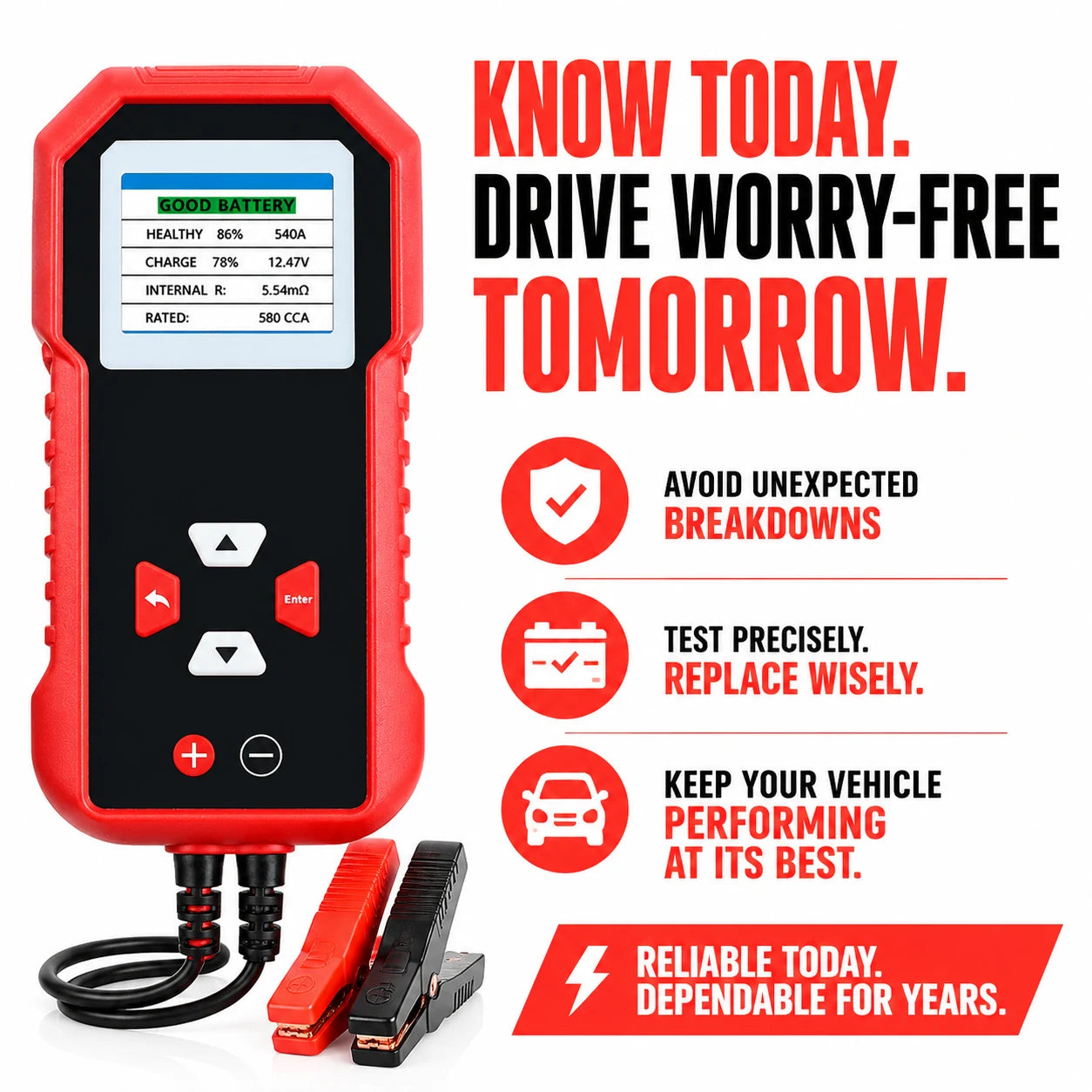
If you plan to use parking mode, check the car battery first, because a weak battery is a likely cause of starting trouble with a parked camera. A battery tester such as VoltProbe clips onto the terminals with the battery still in the vehicle and reads voltage, CCA and State of Health, with a GOOD, CHARGE or REPLACE verdict on its color LCD. It also includes an alternator and charging system check. More tools are in the Battery, Tire & Air Care collection.
 In this guideVoltProbe$119.99View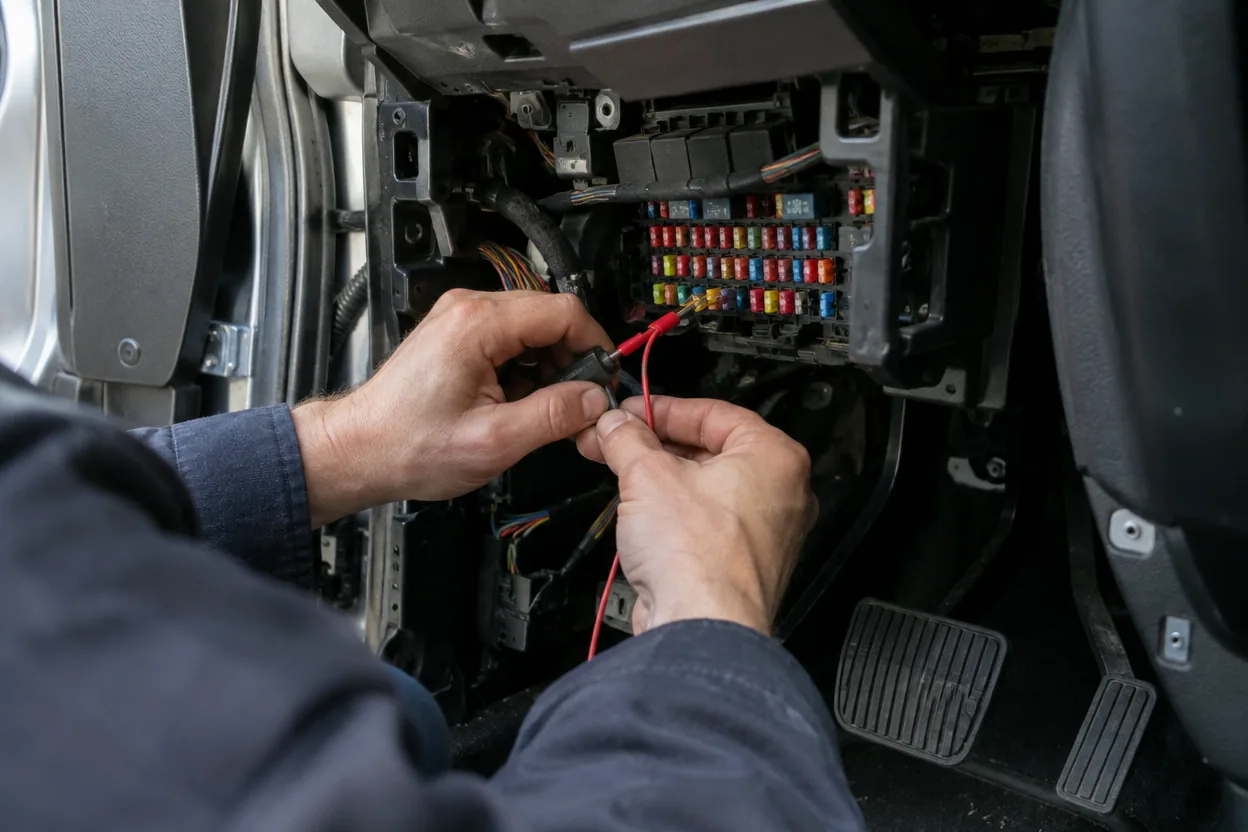
Storage, event files, apps and connectivity
Loop recording and event files
Dash cams record in a loop: when the memory card fills, the oldest footage is replaced by new recording. That keeps the camera running without attention, but it also means important clips can be lost if nothing protects them.
A G-sensor solves this. It detects sudden impacts or hard braking and flags that clip as an event file. Locked event files are skipped when loop recording overwrites older footage.
- Confirm that the camera locks event files automatically, and that you can lock a clip by hand.
- Use a high-endurance memory card made for continuous recording, and follow the camera's card guidance.
- Format the card on a regular schedule using the camera's own menu, since a worn or corrupted card can stop recording without a clear warning.
- Pull important clips onto your phone or computer soon after an incident.
Apps, WiFi and GPS
A companion app removes the need to pull the card every time. With a WiFi link, you can browse clips on your phone, change settings and download footage. Check the stated transfer speeds if you plan to move large 4K files. GPS adds location and speed to the video, which can help when you explain an incident to an insurer or police.
A camera's WiFi link connects to your phone near the car. It does not by itself stream footage over the internet, so do not assume remote viewing unless the product description says so.
Cloud storage, LTE and voice control
Some models add an optional LTE module for cloud storage and remote alerts. That usually means a data plan and a subscription, so read the terms before counting it as a feature. Voice control lets you start a clip save or take a photo without touching the screen. It is a convenience, not a requirement, so weigh it after the basics above.
A dash cam in the car: installation steps and common mistakes
Installing a dash cam in your car is straightforward for plug-in models. Use this order:
- Clean the windshield where the mount will sit, and wait until it is dry.
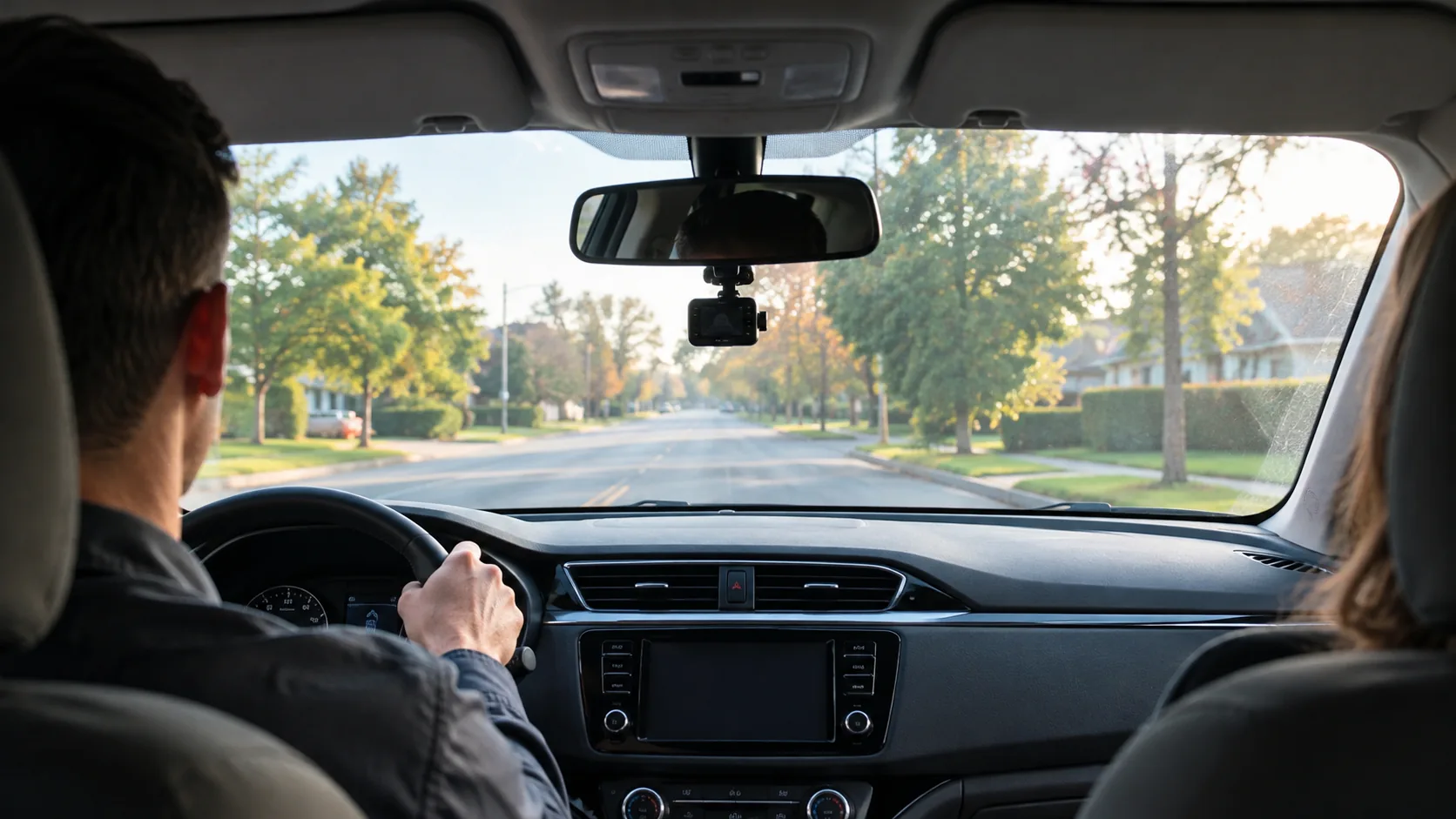
- Position the front camera behind or near the rearview mirror, where it does not block your view and sits within the wiper sweep.
- Route the cable along the headliner and A-pillar, and tuck it into the trim. Keep it clear of airbags and the pedals.
- Mount the rear camera on the rear window, with its cable run to the front.
- Insert the card, set the date, time and units, and confirm the camera records and the G-sensor responds.
- Play back a sample clip in the app to check angle, clarity and whether license plates are readable.
Common mistakes
- Mounting too low, so the hood or dashboard fills the frame.
- Leaving the camera pointed at a tinted or dirty strip of glass.
- Assuming the 12V outlet stays on with the engine off.
- Ignoring local laws on windshield mounting and recording, which vary by state. Check yours.
- Skipping card maintenance and finding an empty folder after an incident.
A two-camera option that covers the checklist
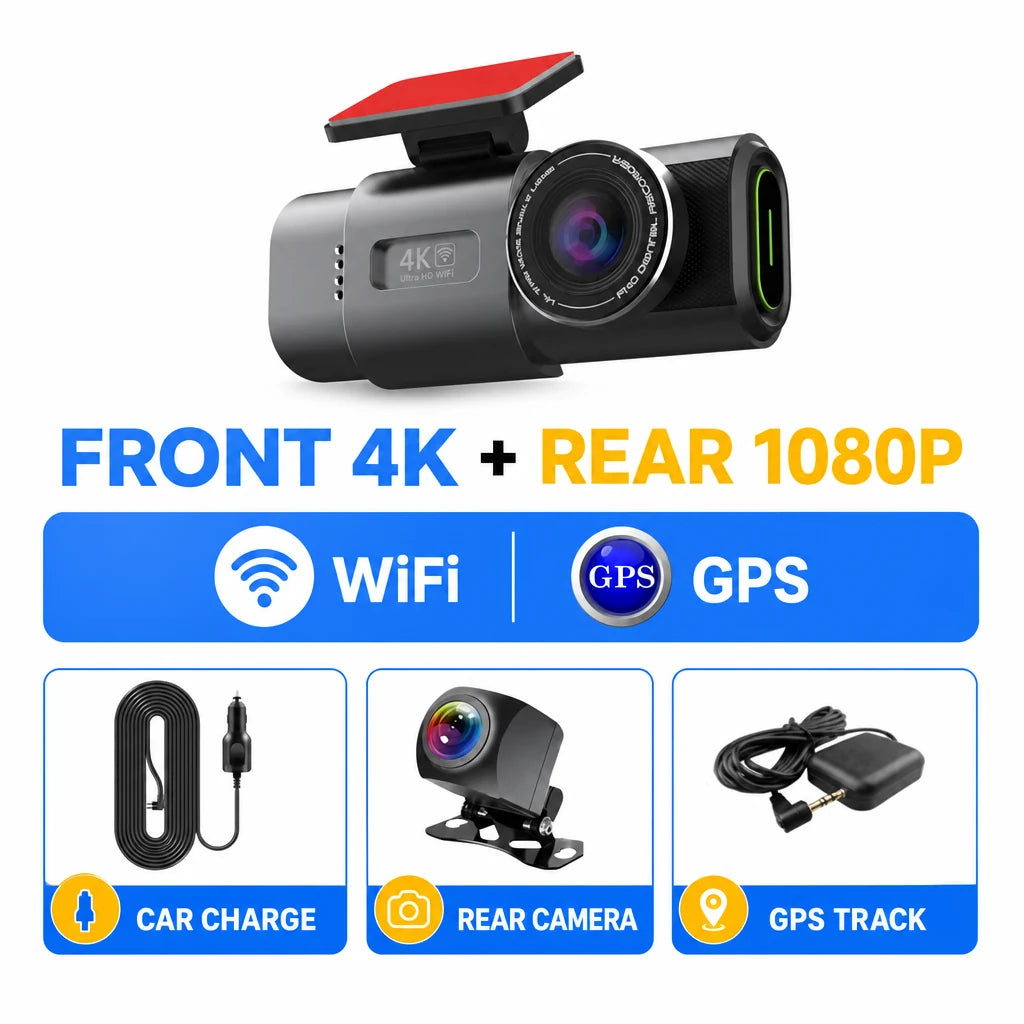
VisionGuard Pro is a car dash cam with a 4K front camera and a 1080P rear camera. The front unit mounts on the windshield and the rear unit on the rear window, and both run from one power cable plugged into the 12V outlet.
Measured against the checklist for a good car dash cam, it offers parking mode that records when it detects motion or an impact, with an automatic low-voltage cutoff and a supercapacitor instead of a lithium battery. The G-sensor flags sudden impacts and hard braking as locked event files that loop recording does not overwrite, and GPS adds location, time and speed data to the footage. The companion app connects over WiFi, so you can browse locked files, change settings and download clips to your phone. The box includes the front dash cam, the rear camera, a car charger power cable and a user manual.
Because it plugs into the 12V outlet, check whether your outlet stays powered with the engine off if you want parking mode to be active. Browse more options in the Dash Cams, Trackers & Anti-Theft collection.
 In this guideVisionGuard Pro$139.99View
Field note
Before you buy, look up your car's 12V outlet behavior in the owner's manual. It tells you at once whether a plug-in camera can record while parked or whether you need a hardwire kit.
Is a dash cam worth having?
A dash cam gives you a record of events that would otherwise rest on memory. It will not prevent an incident, and footage does not decide an insurance or legal outcome on its own. What it provides is a time-stamped view of what the camera saw.
If you park on the street, drive in dense traffic, or share a vehicle, a car with a dash cam gives you a video record of what happens around it. If you only take short, low-risk trips, a simple front camera may be enough. The right choice is the camera whose features match your habits, so skip anything you will not use.
What does installation cost?
Cost depends on the camera, the number of channels and whether you install it yourself or pay for a hardwire installation. A plug-in model needs only a few steps and no installer. Get a quote from an installer if you want parking mode wired in.
Final decision steps
- Pick the channels: front, front and rear, or more.
- Set a front resolution and confirm the card capacity it needs.
- Decide whether you need parking mode, then confirm your power source supports it.
- Check the car battery before adding a parked load.
- Confirm event-file locking and app access for getting clips off the camera.