Bluetooth Thermometer for Meat: What to Look For Before Buying
Check four things before buying a Bluetooth meat thermometer: real-world range, probe count, an accuracy check you can run at home, and an app that fits how you cook.
The Quindrel Team
October 17, 2026 · 8 min read
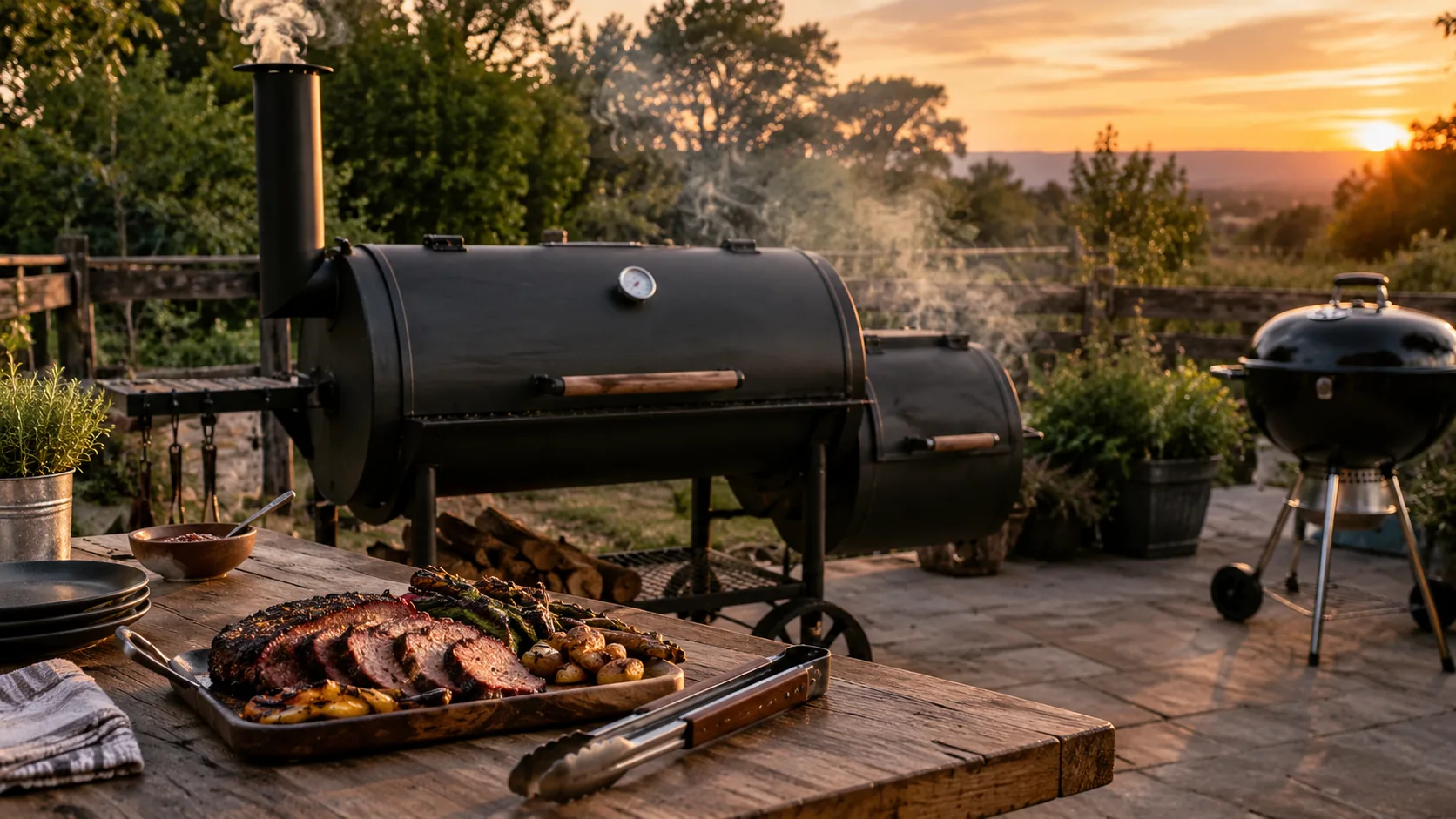
A Bluetooth thermometer for meat is a probe and base that send food temperature to your smart phone, so you can monitor a cook without standing at the grill. Before buying, check four things: how far the signal has to travel, how many probes you need, how you can verify accuracy, and whether the app suits your cooking style.
This guide turns a Bluetooth thermometer meat search into a checklist, then compares wired and wireless designs so you can pick the right type for your grill, smoker or oven. It also covers where to place the probe in steak, chicken, turkey and pork.
The Quick Checklist
Use this table as a shopping filter. If a listing cannot answer a row, count that as a gap in the product information.
| Check | What to look for | Why it matters |
|---|---|---|
| Connection type | Bluetooth version stated, direct phone link | Bluetooth needs no home network, which suits a backyard or a campsite |
| Range | Stated distance with a note on walls and obstacles | Open-air numbers shrink indoors |
| Probe count | One probe per large cut you cook at once | Brisket and a side of ribs need separate readings |
| Ambient reading | A probe or sensor for grill or oven air temperature | You see food and cooking chamber together |
| Accuracy | Stated tolerance and a way to verify it | A reading you cannot check is only a guess |
| App | Presets, alerts, multi-food view | The app is your whole display |
| Power | Replaceable or rechargeable, clearly stated | A dead battery mid-cook ends the monitoring |
| Heat limits | Probe and cable limits in the manual | Smokers and sear zones run hot |
Range and Probe Count
What Bluetooth distance really means
Bluetooth is a short-range link. Any distance on a box usually assumes a clear line of sight, with no walls, appliances or people in the way. Read the wireless range on a listing as a ceiling, not a promise.
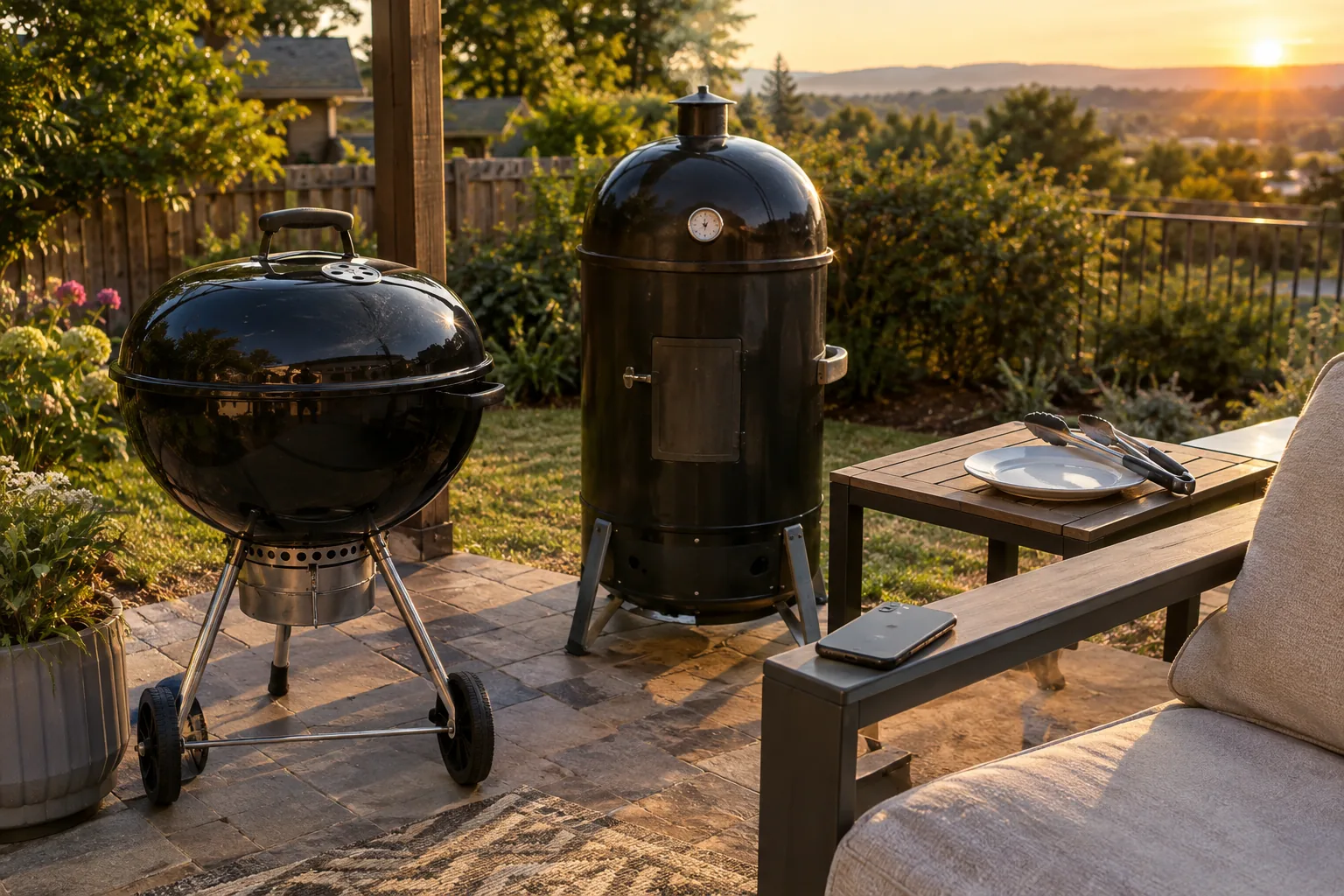
Ask yourself where you will actually stand. If the grill is on a patio and you will sit in the living room, a sliding door, a wall and a kitchen counter all sit between phone and base. Metal grill bodies and smoker cabinets can also weaken the signals, so placement of the base matters.
- Place the base where it has the clearest path to your phone, not buried behind the firebox.
- Keep the phone within the area you will be working in.
- Before your first real cook, put the probe in a cup of warm water and walk away until the connection drops. That gives you your own distance, not a catalog figure.
- If you need to cook far from the house, consider whether a design that relays over a home network fits better than direct Bluetooth.
Match probes to how you cook
One probe is enough for a single roast or a whole chicken. The moment you cook two pieces of meat, or want to watch the grill temperature too, a single probe becomes a limit.
Think in jobs, not numbers. Each meat probe does one job: one for a thick cut, one for a second piece, one for the air in the chamber. Dual-probe designs usually cover meat plus ambient temperature, the most common pairing for smoking. Larger multi-channel units suit people who run several cuts for long cooks or cook for a crowd.
Probe Placement by Meat: Steak, Chicken, Turkey and Pork
The right spot depends on the shape of the cut. The goal is always the same: read the coolest part, which is usually the center of the thickest area.
| Meat | Where to put the probe | Watch out for |
|---|---|---|
| Steak | Side-in, into the center of the thickest part | Thin cuts leave little room; the tip can poke through the far side |
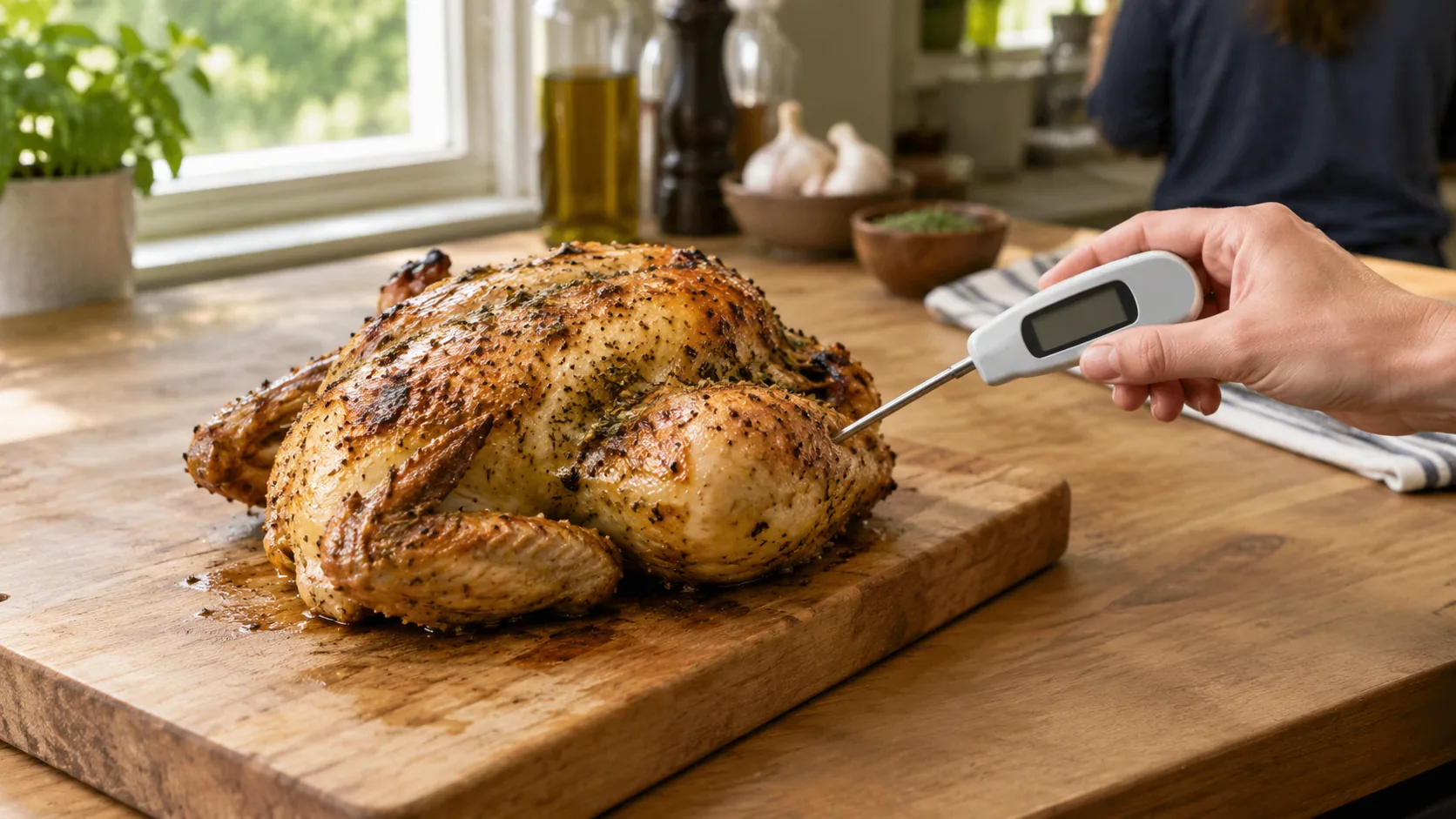
| Chicken | Thickest part of the breast or the innermost part of the thigh | Bone contact gives a false high reading |
| Turkey | Innermost part of the thigh, then the thickest part of the breast | Check more than one spot; the stuffing cavity is not the target |
| Pork roast or chops | Center of the thickest part, away from the bone | Fat pockets read differently from lean meat |
| Brisket or pork shoulder | Thickest part of the flat or the center of the shoulder | Re-check a few spots, since thick cuts vary |
For the final internal temperature of each type of meat, follow the USDA's food thermometer guidance. Set your app target to match, and check a second spot before you pull the food.
Accuracy and App Checks
The ice water check
Instead of taking a claim on faith, look for a stated tolerance in the manual and then run the ice water check yourself.
- Fill a glass with crushed ice, then add cold water until it is slushy.
- Stir, then hold the probe tip in the middle without touching the glass walls.
- Wait for the reading to settle. Ice water sits near 32°F.
- Compare, and note the offset if there is one.
Boiling water is a second reference, but the boiling point drops as altitude rises, so use it as a rough cross-check only. If a probe is far off, contact the seller before you rely on it. A handheld spot-check thermometer is a useful companion to any leave-in probe for checking a few places in a large cut.
What to look for in the app
With Bluetooth, the app replaces the display. A weak app makes a good probe frustrating, so read the listing for these features.
- Presets: Built-in targets for different cuts, and you should still be able to set a custom target.
- Alerts: A pre-warning as food approaches target gives you a notice to rest, wrap or pull it. Check that alerts reach you when the phone screen is off.
- Multi-food view: If you cook several items, the app should show each one clearly.
- Ambient and food temperatures side by side: you want both on one screen.
- Platform support: confirm the app is offered for your type of smart phone and operating system version.
- Time estimates: some apps include a predictive thermometer feature. Use the estimate as a planning aid, not a schedule.
Field note
Before cook day, pair the base, open the app, lock and unlock your phone, and confirm that an alert still arrives. Fix notification settings on a quiet afternoon, not with a brisket on the grate.
Wired vs Wireless: Choosing a Bluetooth Thermometer for Meat
The word wireless covers different ideas. Some units have a thin cable from probe to a base placed beside the grill, and the base talks to your phone. A fully cable-free wireless probe sits entirely inside the food and sends its signal out from there. A plain wired display unit has no phone link at all.
| Factor | Wired probe to base, Bluetooth to phone | Fully cable-free probe | Wired probe to a display unit only |
|---|---|---|---|
| Where you read it | On your smartphone | On your smartphone | On a screen at the grill |
| Walking away | Possible within Bluetooth range | Possible, but the signal has to get out of a closed grill or smoker | Only near the grill unless it has a remote receiver |
| Cable to route | Yes, keep it clear of flames and hot grates | None | Yes, same care |
| Multiple probes | Often several channels shown in one app | Check how many probes the set includes | Depends on the display |
| Dependence on phone | Yes, battery and app both matter | Yes, battery and app both matter | No |
If you want to see your cook from the couch, a Bluetooth meat thermometer with a base is a practical middle path. If you like a screen at the grill and no app at all, a plain display unit still has a place.
Battery and heat limits
Replaceable batteries can be swapped at the grill, while rechargeable units need charging between cooks. Heat limits apply to the probe tip, the cable and the base separately. Keep the base on a cool, stable surface, and follow the manual for anything near direct flame.
A Bluetooth Option With Dual Probes
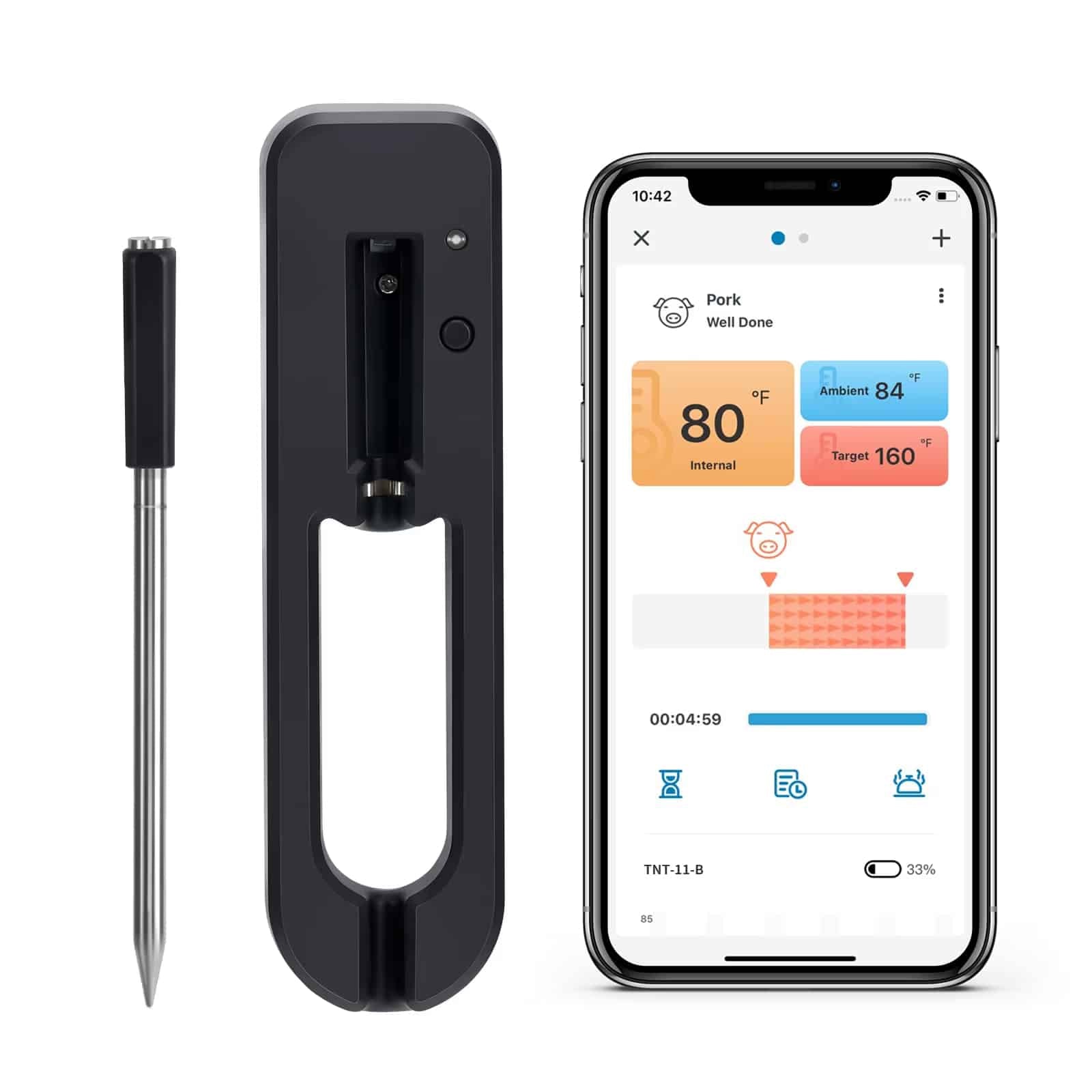
If your checklist points to a phone app, an ambient reading and a few presets, GrillCraft is built around those features. It is a wireless meat thermometer with dual probes: you push one probe into the meat, set the base near your grill, smoker or oven, and pair it with the app over Bluetooth 5.0.
The two sensors report food temperature and ambient temperature, and both appear side by side in the app. The app holds 23 presets, can track four foods at once from one phone, and sends pre-warning alerts as a food approaches its target. GrillCraft runs on a single replaceable AAA battery, and the box includes the AAA battery, a quick start guide and a user manual.
 In this guideGrillCraft$79.99View
Common Mistakes and a Care Schedule
- Buying on range alone. The number only applies in open air, so test in your own yard.
- Too few probes. If you often cook two items, plan for that now.
- Skipping the accuracy check. Run the ice water test once with every new probe.
- Ignoring heat limits. Keep the base away from direct flame and hot surfaces.
- Leaving the cable pinched. Closing a lid or door on the cable can damage it.
- Forgetting the phone. Charge it before a long cook and keep notifications on for the app.
- Relying on one spot. A probe in one place can miss a cooler area, especially in turkey and large roasts.
| When | Task |
|---|---|
| After each cook | Let the probe cool, then wipe it clean with a soapy cloth. Follow the manual on what may be immersed. |
| Before each cook | Check the cable for kinks, cuts or fraying, and the battery level in the app. |
| Every few uses | Repeat the ice water check and note any offset. |
| Long storage | Remove the battery, coil the cable loosely and keep the unit dry. |
Clean the probe thoroughly after raw meat contact, since it goes into food again next time. Look through our Hobby & Specialty Tools collection for other meters and gear for the home workshop and backyard.