
Choosing a Good GPS Tracker for Your Car: Anti-Theft Guide
A good GPS tracker for car theft has a power source that fits how you park, a clear data plan, alerts you configure and a mount that holds. This guide compares each.
The Quindrel Team
October 20, 2026 · 8 min read
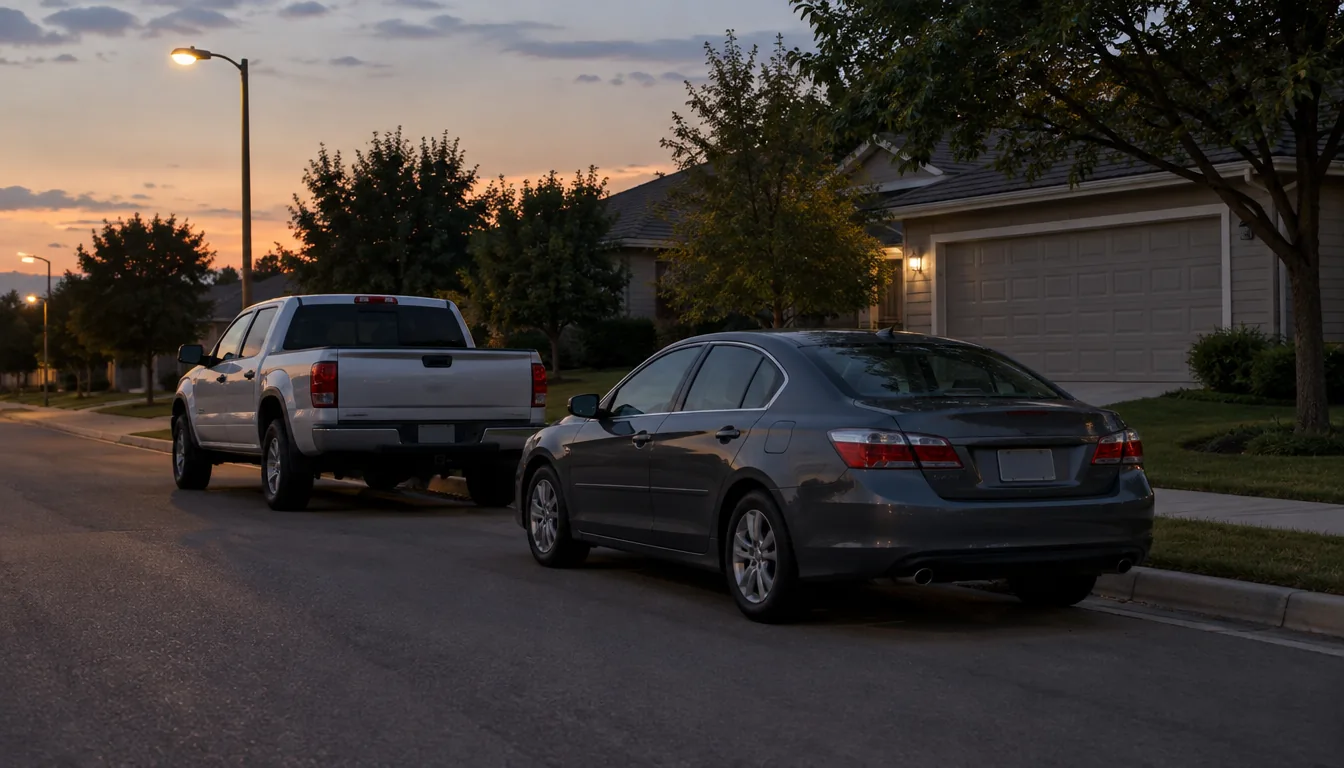
A good GPS tracker for car theft combines four things: a power source that suits how long the car sits parked, a data plan you understand, alerts you set yourself and a mount that stays put. For your own vehicle, a battery-powered magnetic tracker with movement and geofence alerts covers the basics. The sections below compare each choice, then show how to check a car for a tracker you did not place.
This guide covers tracking a vehicle you own. Laws on vehicle tracking differ by state, so if the vehicle belongs to someone else, ask an attorney before placing anything on it.
What a good GPS tracker for car theft needs to do
A tracker reads satellite signals to find its position, then sends that position over a cellular connection to an app on your phone. If the car moves when it should not, the app shows where it is, so you can give the location to local police instead of searching on your own.
That is the main job. A tracker does not stop a thief from starting the car. It gives you real-time location and a trail of location data to hand over when you report the theft.
Because the tracker uses cellular data, it reports only where its SIM has coverage. Its range is therefore a question of carrier coverage and a view of the sky, not distance from you. Underground garages and dead zones can delay updates.
Compare power source, subscription, alerts and mounting
Four decisions shape every choice. Use the table to match each one to your parking situation.
| Decision | Options | What to check |
|---|---|---|
| Power source | Built-in rechargeable battery; plug-in OBD port; hardwired to the car | Battery units need charging. Plug-in and hardwired units draw from the car and sit in places a thief may check or disconnect. |
| Data and subscription | Platform fee plus data; data plan only; bundled plan | Find out who bills you, and whether the app needs a monthly fee on top of cellular data. |
| Alerts | Movement, geofence, speed, impact, tamper | Look for alerts you can switch on and off one by one. |
| Mounting | Magnet; adhesive; screws or wiring | Metal contact point, space under the vehicle and whether you need tools. |
Power source
A tracker with its own rechargeable battery can sit anywhere on the car with no wiring. The trade-off is a charging routine. A unit with several power modes lets you choose between more frequent location updates and a lighter power draw.
A tracker that plugs into the OBD port needs no tools, but the port sits under the dash, a spot a thief may check first. Hardwired units hide inside the car, yet they involve wiring work, so you may want an installer. Follow the vehicle manual and ask an auto electrician if you are unsure.
Subscription and data
Cellular trackers need a SIM. Some brands bundle data into a monthly plan; others let you bring your own SIM and pay your carrier directly. Read what the plan covers, how it renews and what happens to your location history if you stop paying.
Alerts
For anti-theft use, the key alerts are movement and geofence alerts. A geofence is a zone you draw around home or work; the app notifies you when the car leaves it. Speed, impact and tamper alerts add detail, but a crowd of notifications makes the important ones easy to miss.
Mounting
A strong magnet on bare metal is a practical mount for a tracker you want to move between vehicles. Pick a flat, clean steel spot out of sight and away from heat sources such as the exhaust.
Where a hidden tracker can sit on a car
A hidden GPS tracker only helps if a thief does not find it in the first minute. The table lists common spots on your own vehicle and what each one asks of the tracker.
| Spot | Suits | Watch out for |
|---|---|---|
| Frame rail under the car | Magnetic units | Road spray, heat from the exhaust, moving suspension parts |
| Near a wheel well | Magnetic units on flat steel | Mud buildup and plastic liners where a magnet will not hold |
| Behind a plastic bumper cover | Small units | Needs steel nearby or a secure strap; check the cover comes off cleanly |
| Inside the trunk trim | Battery units | Cellular signal can be weaker under metal panels |
| OBD port | Plug-in units | Easy to find and unplug |
Vary the spot from one car to the next so that your choice is not the obvious one. Keep the tracker clear of hot and moving parts at all times.
A magnetic tracker worth a look: VaultTrack
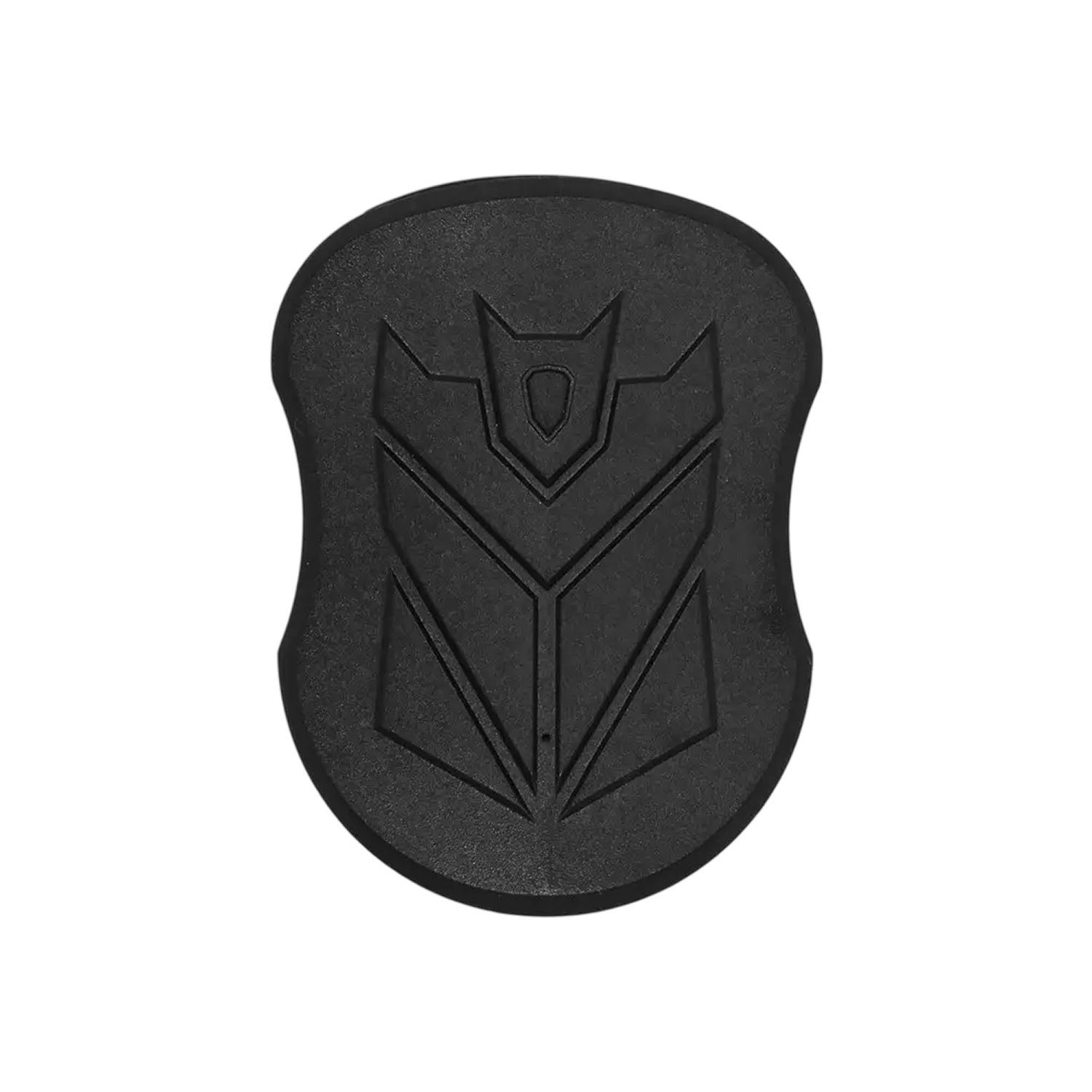
VaultTrack is a magnetic car GPS tracker that attaches to a metal surface on a vehicle. It uses a Micro SIM for cellular data and a phone app to show location, geofence zones and movement, speed and tamper alerts.
- Five built-in magnets hold it to metal surfaces such as the underside of the chassis. No tools or wiring are needed.
- A 5000mAh battery charges through the USB cable, and three power modes set the tracking style.
- The app and web platform carry no activation or monthly platform fee. You pick and pay for the data plan with your own carrier.
- You choose which alerts are on: movement, leaving a geofence zone, passing a speed limit or an impact. A tamper alert goes to your phone if the tracker is moved.
The box includes the tracker, a USB charging cable, a carry bag and a quick-start user manual.
 In this guideVaultTrack$99.99View
Set up your tracker in six steps
- Insert the SIM and charge the battery before mounting.
- Install the app and pair the tracker, following the quick-start manual.
- Turn on movement and geofence alerts first; add speed or impact alerts if you want them.
- Draw a geofence around your driveway, garage or workplace lot.
- Mount the tracker on clean, dry metal and confirm it appears in the app at the spot where you parked.
- Add a charging reminder to your calendar so the battery does not run flat.
Keep it clear of moving suspension parts and hot components. If you are unsure where it fits on your model, ask a mechanic.
Field note
Check the app after you park, then again after you drive. If the tracker shows the right position both times, the mount and the signal are working.
Add a visible deterrent
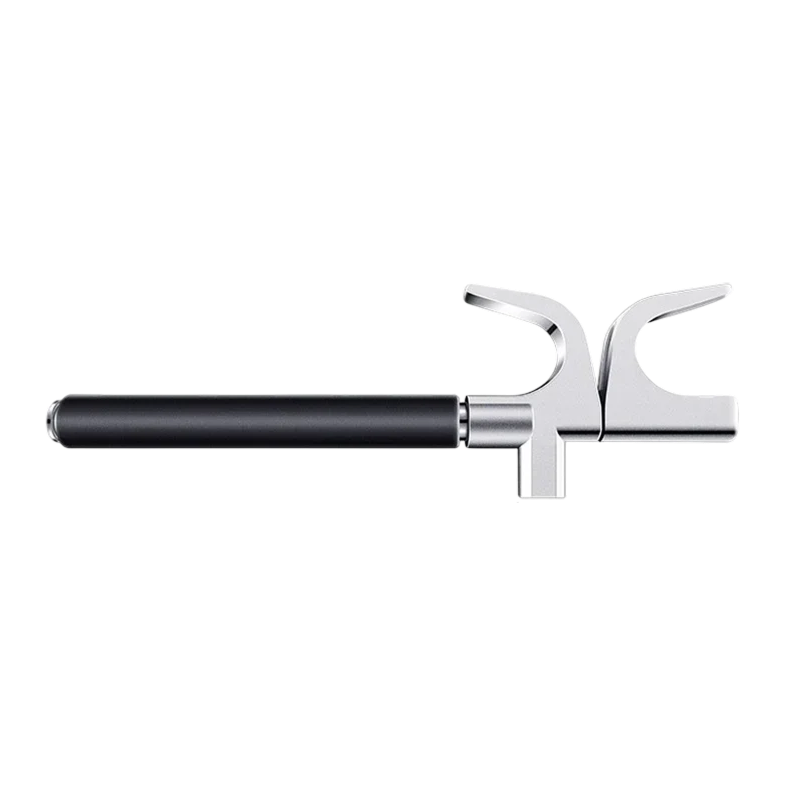
A tracker works after a theft starts. A visible lock gives a thief something to deal with before. VaultDrive is a steering wheel lock with a telescoping steel beam and two clamps that hook onto the wheel. A keyed lock core holds it in place while the car is parked.
The beam adjusts from 42 to 67 cm (about 16.5 to 26 in) to fit sedans, SUVs and trucks, and an emergency hammer tip with a protective cap is built in. Anti-skid sponge lining sits at the contact points, including on leather rims. The box holds 2 security keys, a storage box and a user guide.
 In this guideVaultDrive$79.99View
For more anti-theft and in-car gear, see the Dash Cams, Trackers & Anti-Theft collection. If you want video to pair with location data, How to Choose a Good Car Dash Cam lists the features to compare.
Pick a tracker in four decision steps
- Note where the car sleeps. A garage car suits a battery unit with geofence and movement alerts.
- Decide how often you want updates. Daily drivers may want a power mode with frequent updates and a charging routine to match.
- Read the data plan. Know who bills you and what the app costs before you buy.
- Confirm the mount fits the car. You need clean steel out of sight.
If you share a household car, make sure everyone knows the tracker is there and who sees the app. Fleet managers compare many more vehicles at once, but the same four questions apply to a single family car.
How to find a GPS tracker on your car
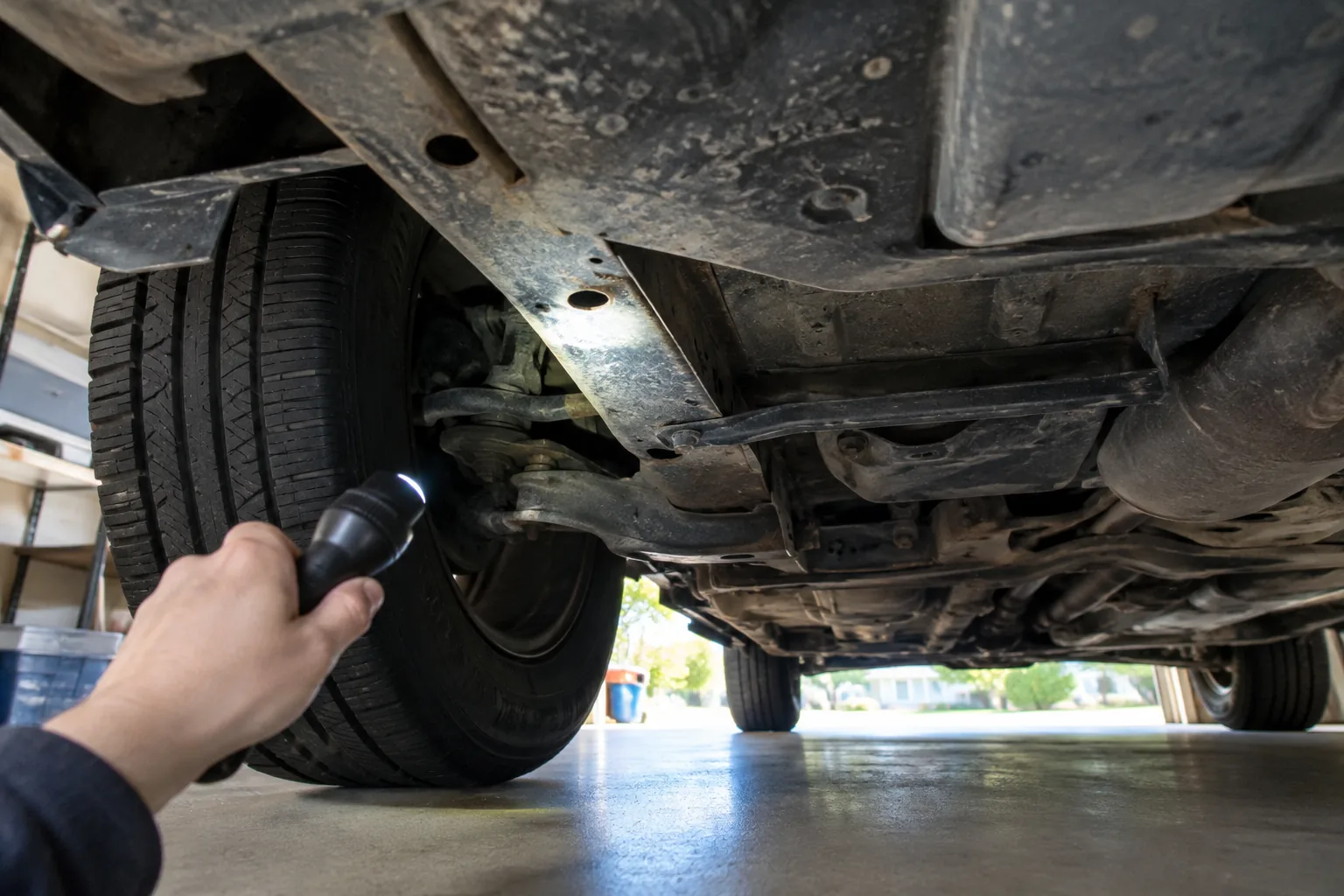
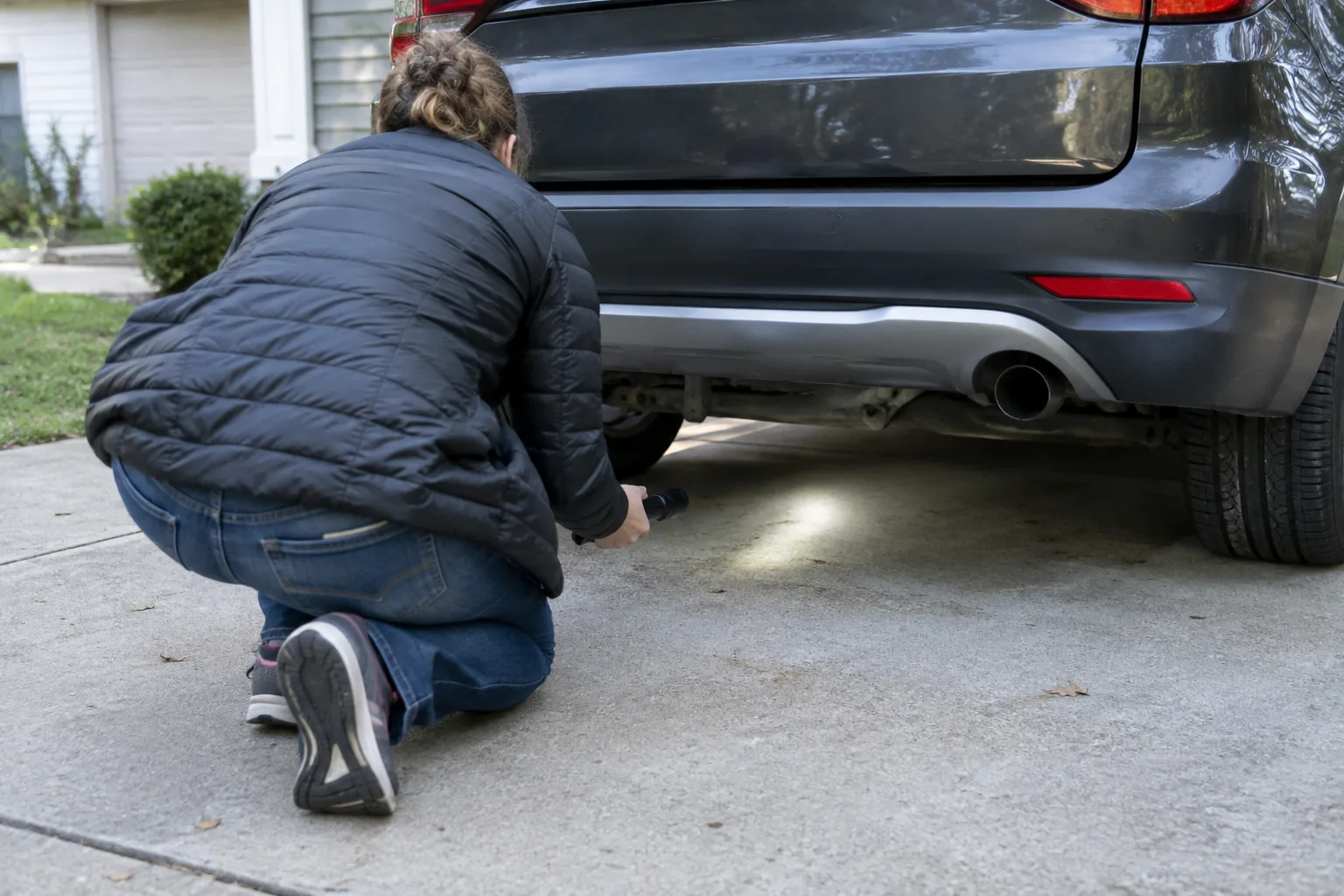
If you suspect a tracker you did not place, or want to know whether a previous owner or dealership fitted one, work through the car in order. Park in good light, turn the car off and use a flashlight and a small mirror. The same walk-around applies whatever the model.
Where to look
| Area | What to check |
|---|---|
| Exterior underside | Frame rails, wheel wells and behind bumper covers for small boxes held by magnets. |
| OBD port | Anything plugged into the port under the dash that is not yours. |
| Cabin | Under seats, along seat cushion edges, in the glove box and the center console. |
| Trunk and spare tire area | Behind trim panels, in the spare wheel well, beside the jack kit. |
| Wiring | Loose or extra wires and add-on boxes behind the dash panel or fuse area. |
Other ways to check
- Look through your purchase paperwork and ask the dealership whether a tracking or telematics device was fitted.
- Ask a mechanic or an auto electronics installer to inspect the car on a lift.
- Phone apps and handheld detectors exist for scanning radio signals. Treat their results as a prompt to look closer, because a tracker that is not transmitting at that moment may not show up.
If you find a device you did not install, photograph it where it sits before touching it. Then contact local police or an attorney about what to do next, especially if you think someone is tracking you.
Common mistakes and a care schedule
When you shop for a good GPS tracker for car theft, these slips cost the most:
- Choosing an OBD plug-in unit when the port is the first place a thief looks.
- Skipping the data plan details, then finding the tracker stops reporting.
- Leaving every alert on, so notifications become noise.
- Mounting on a plastic or aluminum panel where a magnet does not hold.
- Forgetting to charge a battery unit.
A short routine keeps a battery tracker ready:
| When | Task |
|---|---|
| After each drive | Glance at the app to confirm the position matches where you parked. |
| On your charging reminder | Check the battery level and recharge with the USB cable. |
| After a wash or heavy rain | Confirm the tracker is still attached and the mounting spot is clean and dry. |
| When the SIM plan renews | Check that the plan is active and the app still reports. |
Frequently asked questions
Keep reading
 Audio, Connectivity & DiagnosticsQi-Certified Wireless Chargers: What It Means for a Car Mount7 min read
 Audio, Connectivity & DiagnosticsWhat Does a Water Pump Do in a Car? Role, Failure Signs, Checks8 min read
 Audio, Connectivity & DiagnosticsWhat Is a Knock Sensor? What It Does and How to Check It7 min read