
FM Transmitter for Your Car: How It Works and How to Set It Up
An FM transmitter turns your phone's audio into a short-range radio signal that your car radio picks up. Pick an empty frequency, match both dials, and fix static with placement.
The Quindrel Team
October 23, 2026 · 6 min read
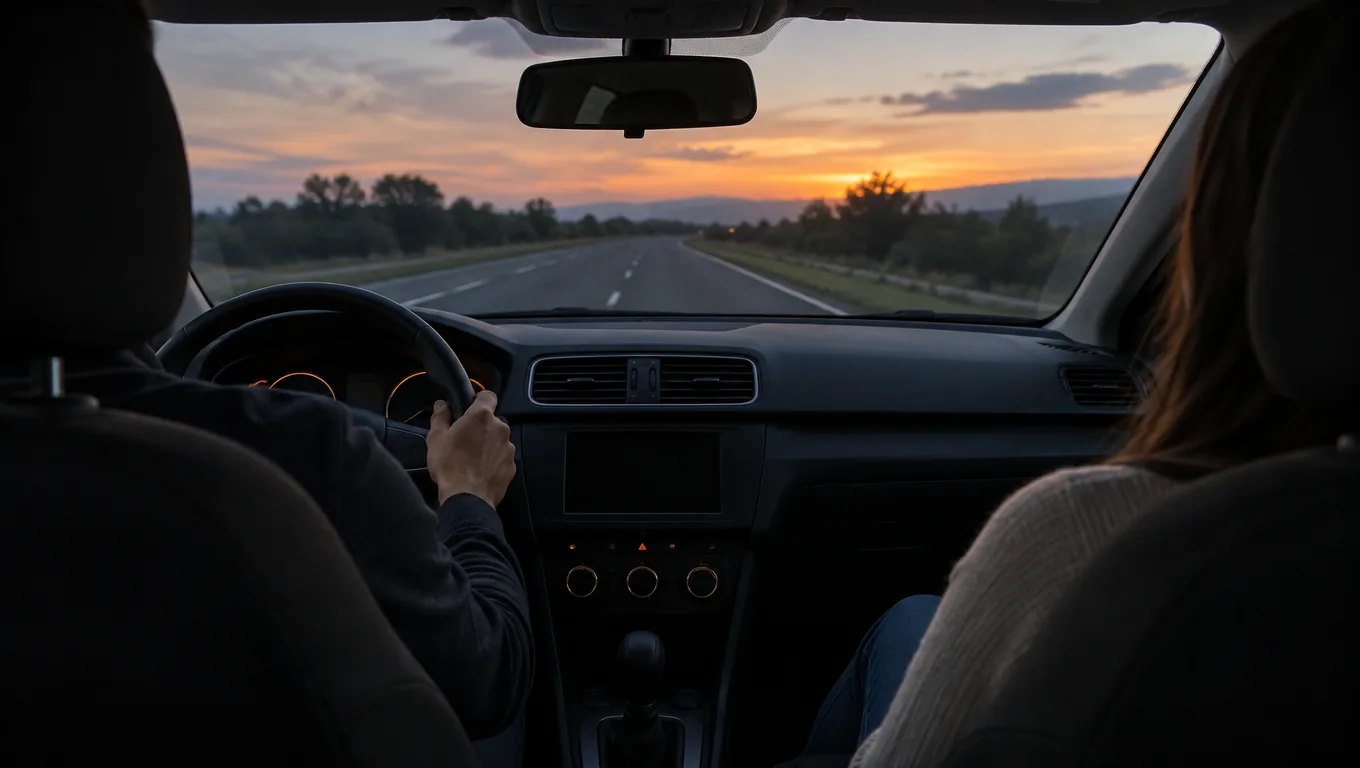
An FM transmitter takes audio from your phone and broadcasts it over a very short distance on an FM frequency. Your car radio tunes to that same frequency and plays the sound through the car speakers. Setup comes down to three steps: pick an empty frequency, set the transmitter and the radio to the same number, then pair the phone.
This guide explains what happens between the phone and the speakers, then gives you a setup checklist and a fix list for static and hiss.
How an FM transmitter works
The transmitter receives audio from your phone, usually over Bluetooth, or from a cable on older units. It then modulates a low-power signal onto the FM frequency you chose. That signal travels only a short way, enough to reach the antenna of the car radio a few feet away.
Your car radio does what it always does: it tunes to a channel and plays what it receives. It cannot tell the difference between a station tower and the small transmitter in the cabin. This is why the sound passes through the stereo even when the car has no aux input or Bluetooth of its own.
What the signal depends on
- The frequency you pick, and whether a local station is already using it.
- The distance and path between the transmitter and the radio antenna.
- The power feed. A poor outlet contact can add electrical noise to the audio.
- The volume level set on the phone and on the radio.
Is an FM transmitter legal?
Consumer car units are built as low-power devices that fall under federal Part 15 rules for unlicensed operation. You can read an entry on Part 15 FM transmitter rules to see how these devices are classed. The short range is part of the design, and a unit made for cars is not meant to cover a neighborhood.
Follow the manual that comes with your unit, and do not modify it to boost range. If a device interferes with a licensed station, turn it off.
Can you use a phone as an FM transmitter?
A phone does not broadcast to a car radio on its own. Some phones include an FM receiver, which only picks up stations, and apps cannot add a transmitter that the hardware lacks. To play phone audio through the radio, you need a separate transmitter that plugs into the car and pairs with the phone.
FM transmitter setup checklist
Work through these steps in order with the car parked. Follow the manual for your unit and keep cables away from the pedals and the gear shift.
| Step | What to do | Check |
|---|---|---|
| 1 | Turn the car radio to FM and scan the dial for gaps. | You hear only static, no voice or music, on the frequency you pick. |
| 2 | Plug the transmitter into the 12V outlet and seat it fully. | The display or indicator light comes on. |
| 3 | Set the transmitter to the empty frequency. | The number on the unit matches your choice. |
| 4 | Tune the car radio to the same number. | The static changes slightly when the transmitter is on. |
| 5 | Pair the phone over Bluetooth. | The phone lists the transmitter as connected. |
| 6 | Play a track with phone volume high and radio volume low, then raise the radio. | Music plays without distortion. |
Which frequency should you use?
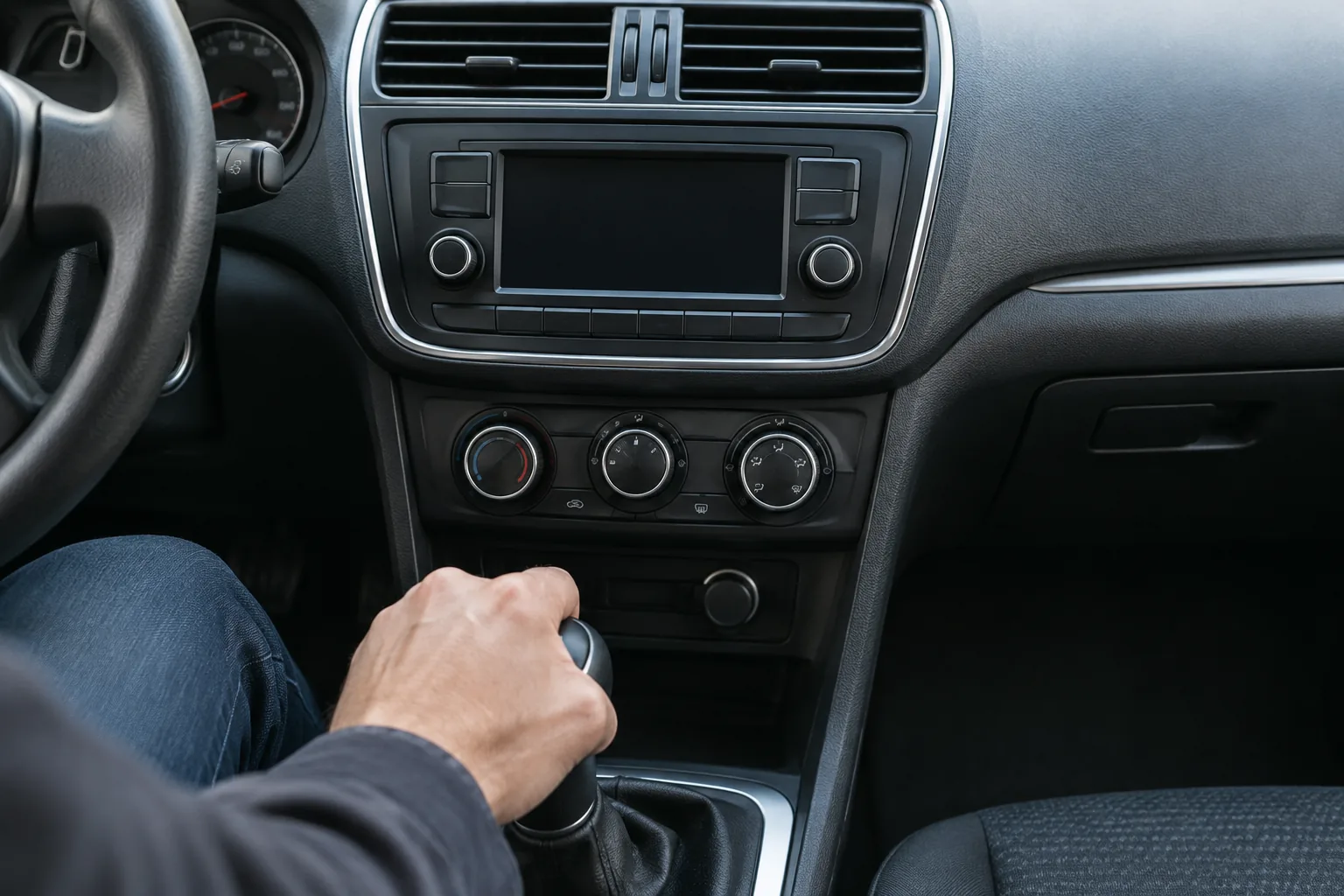
Pick a channel where no station comes through, with a gap on both sides if you can. In a city the dial is crowded, so you may need to try a few spots near the ends of the dial. On a road trip, an open channel in one town may carry a station in the next, so repeat the scan when the static returns.
A transmitter built for this setup
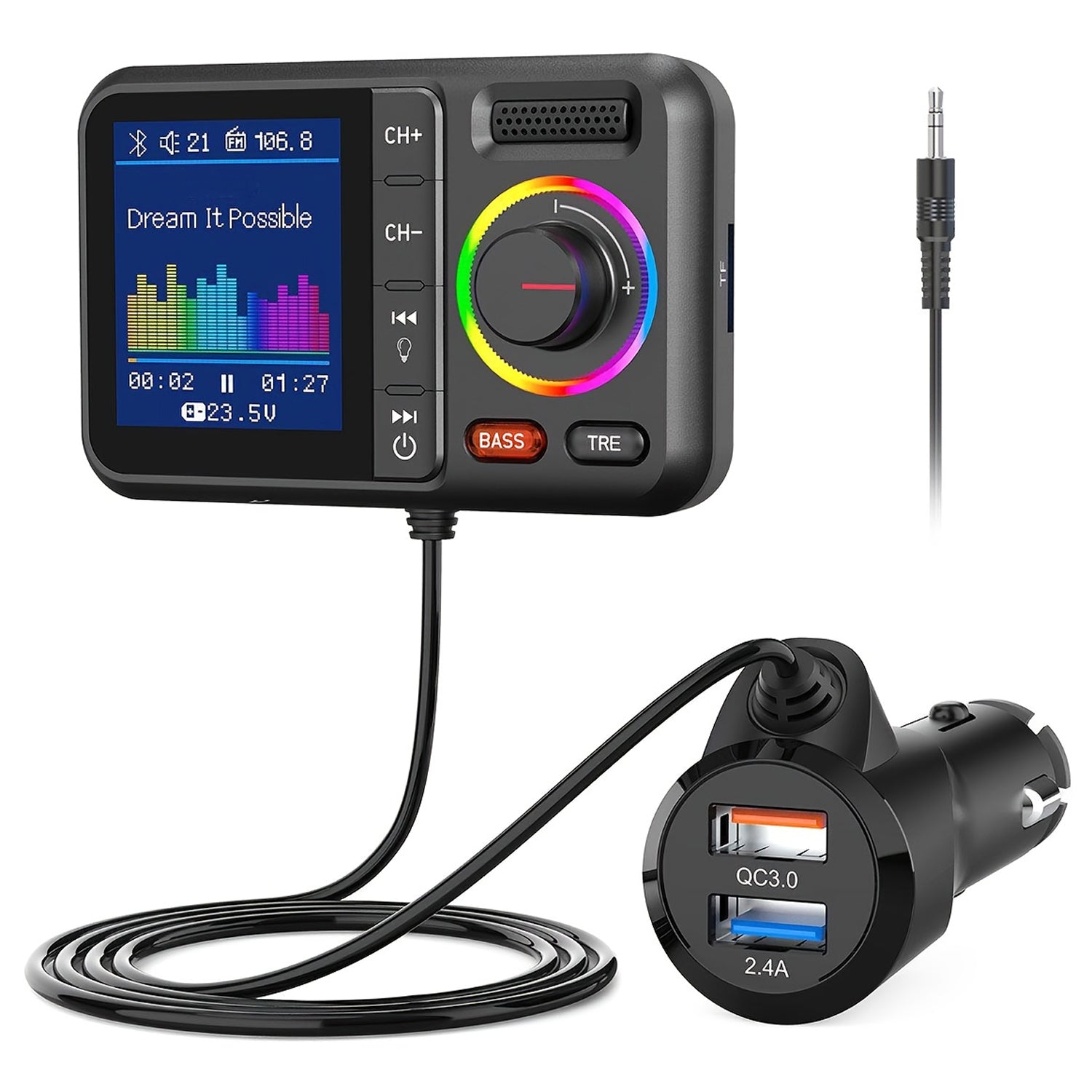
The TuneCast Pro clips onto an air vent and plugs into the 12V power outlet, with no tools or wiring. Its auto-scan button looks for an open FM channel and sets the transmitter to it. You can also pick a frequency by hand, then tune your car radio to the same number.
The unit pairs with a smartphone over Bluetooth and plays audio through the car's FM radio. It also has two USB charging ports, hands-free calling, and a color display that shows track names, caller ID and settings. Two audio mode buttons switch between a deep bass setting and a balanced treble setting, so you can match the sound to your playlist and the speakers in your car.
 In this guideTuneCast Pro$69.99View
Power and placement
Noise problems often trace back to where the parts sit. The transmitter draws power from the vehicle outlet, so seat the plug fully and check that the contact is firm. A loose plug can add buzz that rises and falls with road bumps.
Keep the transmitter close to the radio antenna path. If your car has an antenna in the rear glass or on the roof, keep the unit clear of thick bundles of charging cables, which can add noise. Route the phone cable, if you use one, away from the transmitter body.
A vent clip keeps the unit in line of sight of the dash, which suits the display. If the outlet is dead or the battery is weak, see our guide on using a battery charger for a car before blaming the transmitter.
Field note
Set the phone volume near maximum and control loudness with the car radio knob. A low phone signal forces you to turn the radio up, which makes hiss easier to hear.
Fixing static and hiss
Static means the radio is hearing something besides your transmitter. Hiss often means the signal is weak or the levels are mismatched. Work down this table and change one thing at a time.
| Problem | Likely cause | Fix |
|---|---|---|
| Voices or music from another station bleed in | The frequency is in use nearby | Scan again and move to a clearer channel, or press auto-scan. |
| Steady hiss under the music | Phone volume too low, radio volume too high | Raise the phone volume, lower the radio. |
| Crackle that changes with bumps | Loose outlet contact or plug | Reseat the plug and clear debris from the outlet with the engine off. |
| Whine that rises with engine speed | Electrical noise from the power feed or a charger | Unplug other devices from the USB ports and try again. |
| Sound drops in and out while driving | Another station takes over the channel in a new area | Pick a new frequency for that area. |
| Distorted bass | Phone equalizer or mode setting too strong | Switch the audio mode or turn off the phone's bass boost. |
If the sound is thin or muddy
Try the other audio mode or adjust the equalizer on the phone. A deep bass setting can crowd small speakers, while a balanced treble setting can sound thin on a bass-heavy track. Low-bitrate streams also lose detail, so try a higher quality setting in the music app.
Sound quality and what to expect
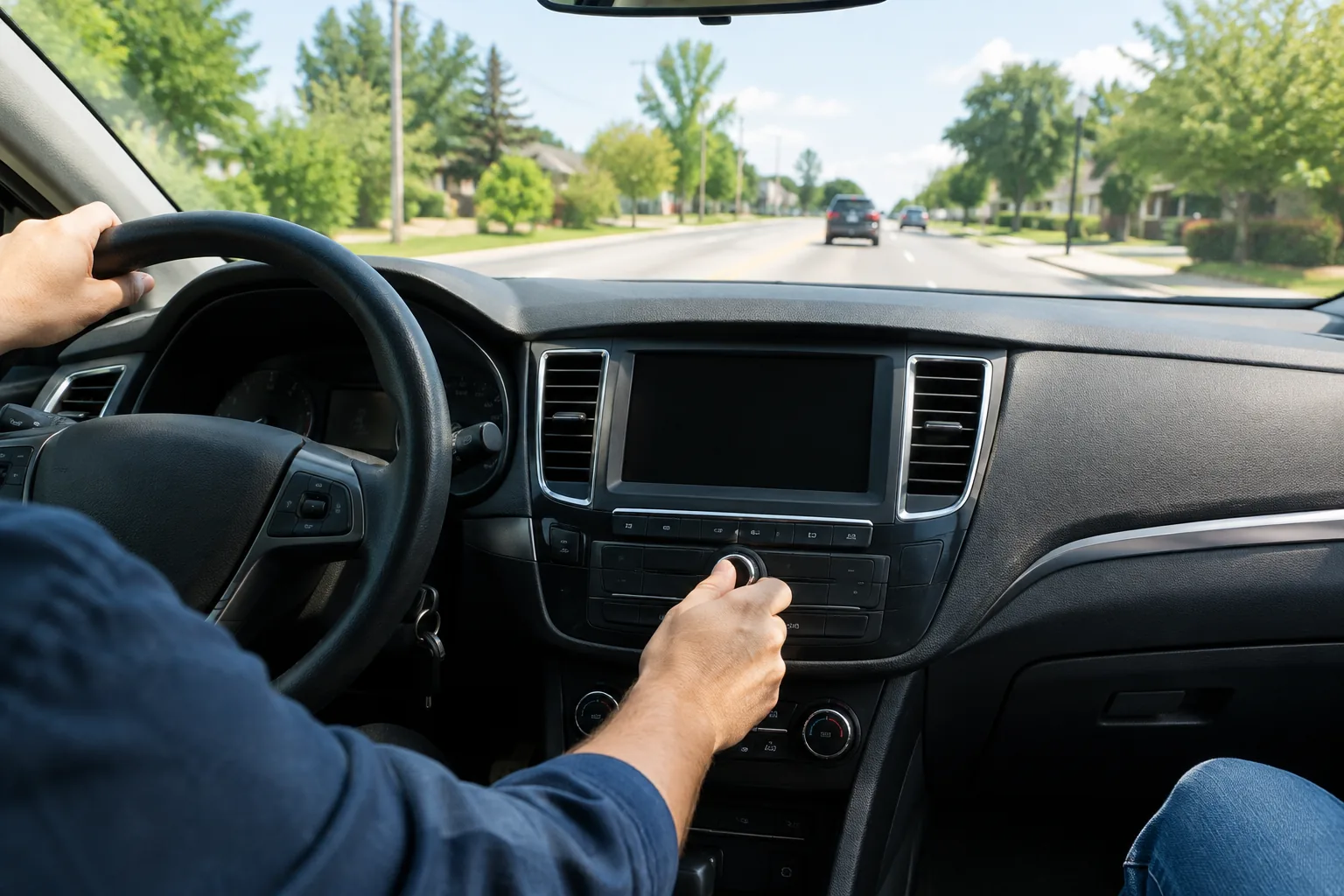
An FM link is a radio link, so the sound depends on the channel you choose. It suits podcasts, calls and general playlists. If your car has an aux input or a built-in Bluetooth system, a wired connection skips the radio hop altogether.
City driving brings more stations and more interference, so expect to retune often. Rural driving has fewer stations and more open channels, though they shift as you move between broadcast areas. For other audio and connectivity gear, browse the Audio, Connectivity & Diagnostics collection.
Common mistakes
- Choosing a channel that only sounds empty at your driveway.
- Setting the transmitter to one number and the radio to a neighboring one.
- Leaving the radio on a preset that switches to a station on its own.
- Keeping phone volume low and pushing the radio volume up.
- Stacking several chargers and cables around the unit.
Check these first before changing any hardware.
Frequently asked questions
Keep reading
 Audio, Connectivity & DiagnosticsQi-Certified Wireless Chargers: What It Means for a Car Mount7 min read
 Audio, Connectivity & DiagnosticsWhat Does a Water Pump Do in a Car? Role, Failure Signs, Checks8 min read
 Audio, Connectivity & DiagnosticsWhat Is a Knock Sensor? What It Does and How to Check It7 min read