Sound Level Meter App vs Dedicated Meter: How Accurate?
A sound level meter app gives a rough decibel reading; a dedicated meter gives a reading from a purpose-built device. Here is where apps drift and a simple check to run.
The Quindrel Team
October 19, 2026 · 6 min read
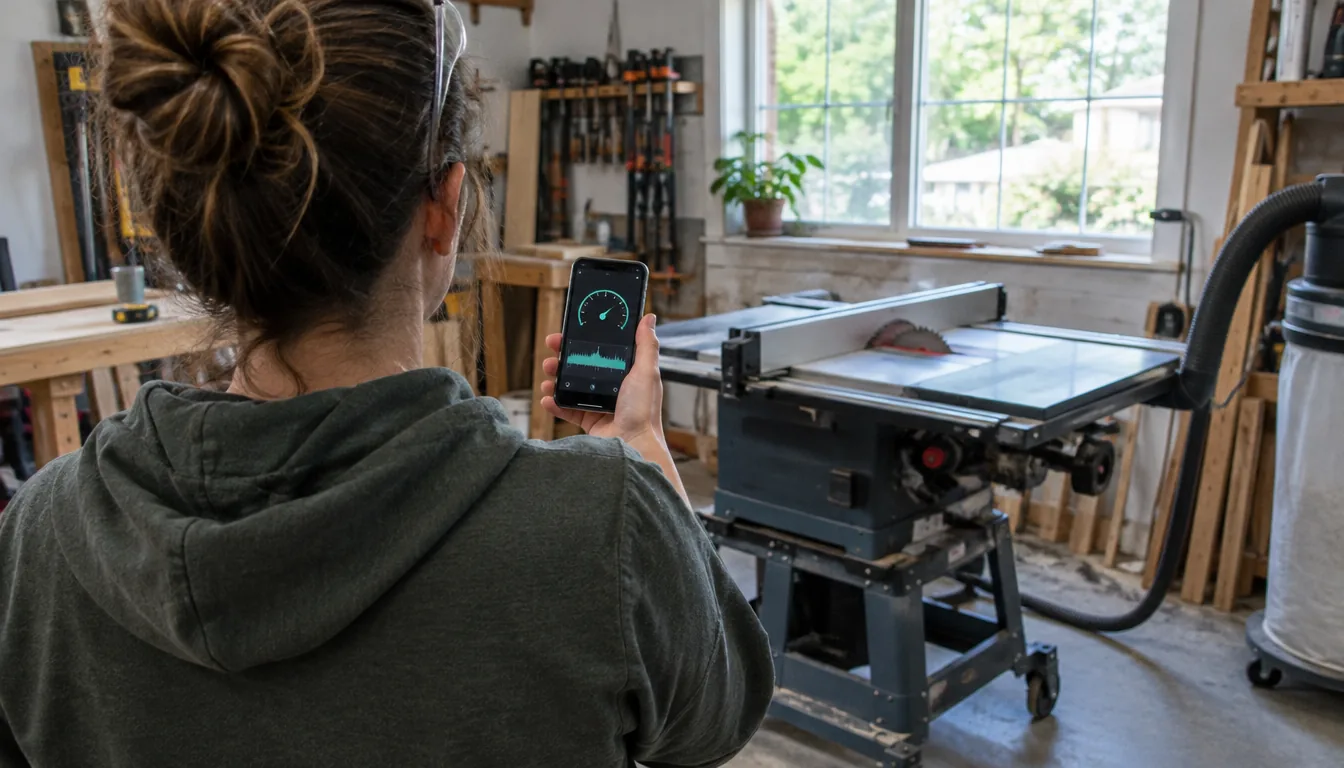
A sound level meter app gives a useful ballpark reading of noise in decibels, but a phone microphone is not built as a measuring instrument. For a quick check of a room or a workshop, an app can be enough. When the exact number matters, a dedicated handheld meter is the more suitable tool, and you can run a simple check to see how far your own app drifts.
This guide shows where a sound level meter app holds up, where it drifts, how to compare it against a reference, and when to move to a dedicated device.
How a sound level meter app works
A sound level meter application uses the phone's built-in microphone to pick up sound pressure, then converts it to a decibel number on screen. The app does the math, but the microphone, the phone case and the phone's audio processing all shape what it hears.
Phone microphones are designed for voice calls and video, not for measurement. Some phones also apply noise suppression or gain control, which can change what the app receives. That is the root of most drift.
What a sound meter is
A sound meter is an instrument that measures sound pressure level in decibels, often with a weighting such as dBA that follows how the ear responds. A dedicated unit pairs a microphone with electronics made for that single job.
Where apps hold up and where they drift
Good uses for an app
Apps suit a rough idea, not a record. Some uses fit well:
- Comparing two spots in the same room, such as near a fan and across the room.
- Spotting which machine in a shop is louder than the others.
- Getting a general sense of a quiet room versus a loud one.
- Watching how a level changes through a session on the same phone.
The NIOSH sound level meter app page describes an app built for occupational noise exposure, which shows that a well-designed app can serve as a screening aid.
Common causes of drift
The same phone can read differently from one day to the next if you hold it differently. Watch for these causes:
- Microphone differences between phone models.
- Cases, screen protectors or fingers covering the microphone opening.
- Automatic gain or noise suppression in the phone's audio chain.
- Wind or handling noise when you move the phone.
- Very quiet or very loud sound beyond what the microphone handles cleanly.
Loud sounds are where a phone is most likely to clip. If a tool is running, the number you see may be capped by the microphone rather than showing the true level.
Free apps and what to expect
You can find a free sound level meter app for most smartphones, and some have a paid tier. A free sound level meter is fine for casual use. Check that the app shows dBA, lets you see a maximum and minimum value, and offers a calibration setting. Avoid relying on a single free app for a decision about hearing protection or a workplace record.
A free online noise level meter that runs in a browser uses your computer's microphone, which has the same limits, with different results across laptops and headsets.
Run a simple calibration check
You do not need a lab to see how your app behaves. Compare it against a second reference reading in the same spot.
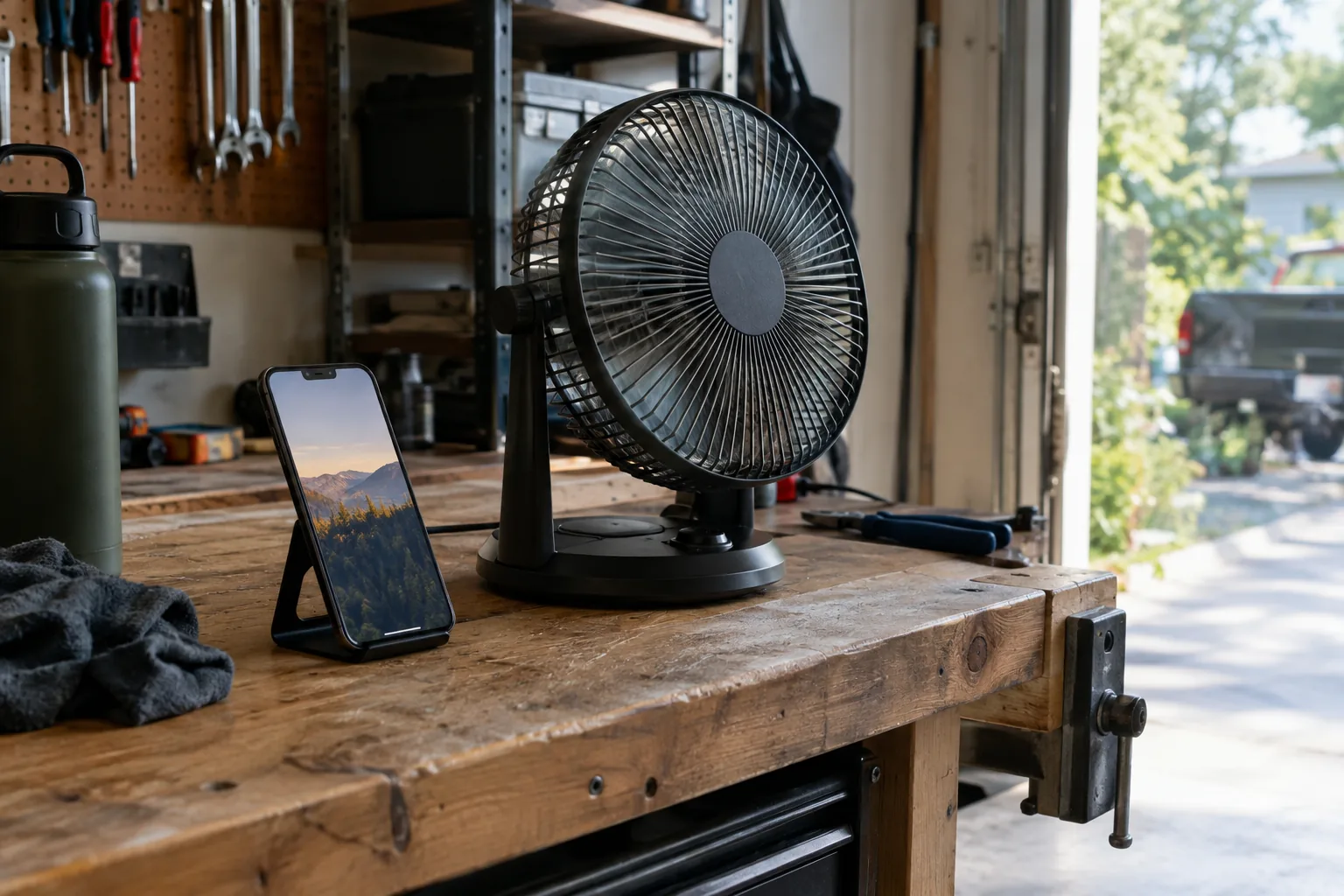
- Pick a steady noise, such as a fan or a speaker playing a constant tone, in a quiet room.
- Remove the phone case if it covers the microphone, and hold the phone steady at arm's length.
- Record the app's average reading over the same stretch of time you use for the reference.
- Take the reference reading from a dedicated meter pointed at the same source from the same distance.
- Repeat at a quieter level and a louder level, and write down the gap each time.
- If the gap is steady, enter it as an offset in the app's calibration setting if it has one. If the gap changes with level, treat the app as a rough guide only.
| Step | What to check | What it tells you |
|---|---|---|
| Quiet source | Gap between app and reference | How the app handles low levels |
| Medium source | Gap between app and reference | Whether a single offset could work |
| Loud source | Gap and any flat ceiling | Whether the microphone clips |
| Repeat reading | Same number twice | How steady the app is |
Field note
Test the app in the exact spot and phone position you plan to use. Moving the phone a few inches or changing the case can change the reading.
Dedicated meter vs app: side by side
| Feature | Sound level meter app | Dedicated handheld meter |
|---|---|---|
| Microphone | Built for calls and video | Part of a purpose-built device |
| Consistency | Varies by phone and case | One device with one microphone |
| Calibration | Software offset, if offered | Compare against a reference source |
| Cost to start | Free apps available | One-time purchase |
| Use in a shop | Phone is exposed to dust and handling | Handheld, point and read |
A dedicated option: DeciSense
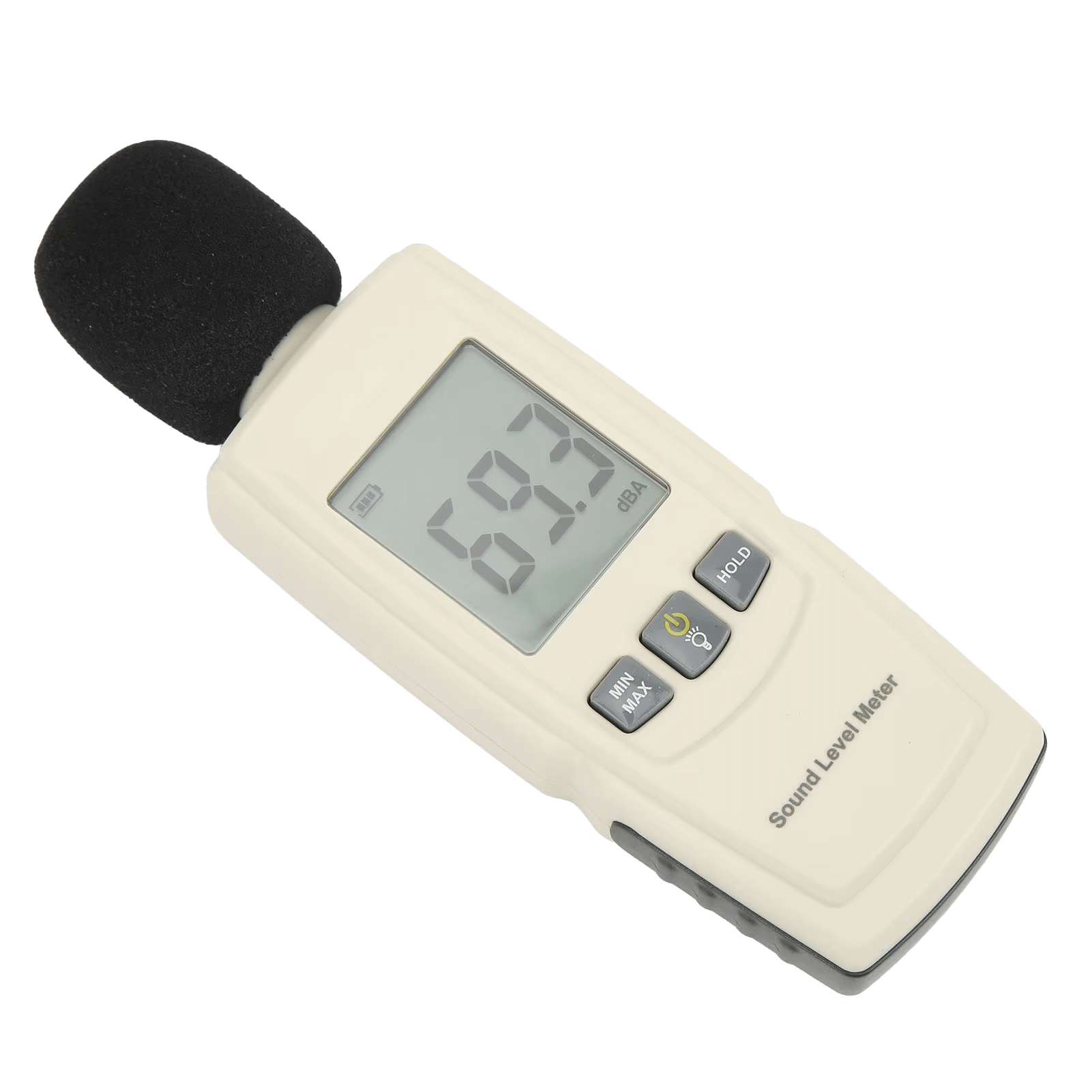
If you want a purpose-built reading device, the DeciSense is a handheld sound level meter for checking noise in decibels. You power it on with a button, pick a measurement mode, point it at the sound source and read the number on the screen.
It reads a 30-130dBA measurement range, which takes in quiet rooms such as a nursery as well as a workshop with running tools. The hold function freezes a peak reading, and max/min tracking shows the highest and lowest values recorded during a session. The box includes the meter and a user manual.
 In this guideDeciSense$79.99View
Class 1 meters and when you need one
A class 1 sound level meter is a precision grade of instrument defined in measurement standards, used where results face formal scrutiny. Phone apps and general-purpose handhelds are not a substitute when a regulation, legal dispute or formal survey is involved. In those cases, ask an acoustics or industrial hygiene professional.
For home, garage and hobby checks, a handheld meter or a carefully compared app fits the job. Browse the Precision Measuring & Detection Tools collection for other meters.
Classroom, workshop and common mistakes
For a sound level meter for classroom use, measure at the position where people sit, not at the noise source. Take readings during different activities and note the maximum value. Hold the meter steady, keep your body to the side and avoid touching the microphone.
In a workshop, measure at the operator's ear position with the tool running. If you also work with other diagnostic gear, our article on using a car code reader covers another habit worth copying: read first, then interpret.
Avoid these mistakes:
- Reading from a phone with the case blocking the microphone.
- Measuring close to the source, then comparing with a distant reading.
- Trusting a flat number at the loud end of the scale.
- Mixing dBA and dBC readings in one comparison.
- Using a single reading instead of several over a session.
For hearing concerns, follow the guidance of an audiologist or occupational health professional rather than a phone reading.

Which one to choose
Choose an app for rough comparisons and curiosity. Choose a dedicated handheld meter when you want a defined range and peak capture from a single device. Choose a precision-grade instrument and a professional when the result carries formal weight.